
Stop learning Excel.
A step-by-step guide to having Claude + ChatGPT build your spreadsheets.

More than 20,000 professionals now get GenevIA every week. Thank you for being here. And if there's one question that keeps coming up in your replies, it's this one:
how do I save time in Excel with AI?
So today, I'm tackling it head-on. No theory: I'm showing you what is, in my opinion (after quite a bit of research and far too many tests), the best way to build a complete company budget without writing a single formula by hand.
The principle is simple:
Claude builds the model, then ChatGPT polishes it right inside Google Sheets. Two tools, one file, zero spreadsheets built by hand.
Let's walk through it all, step by step.
Part 1: Claude builds the model for you
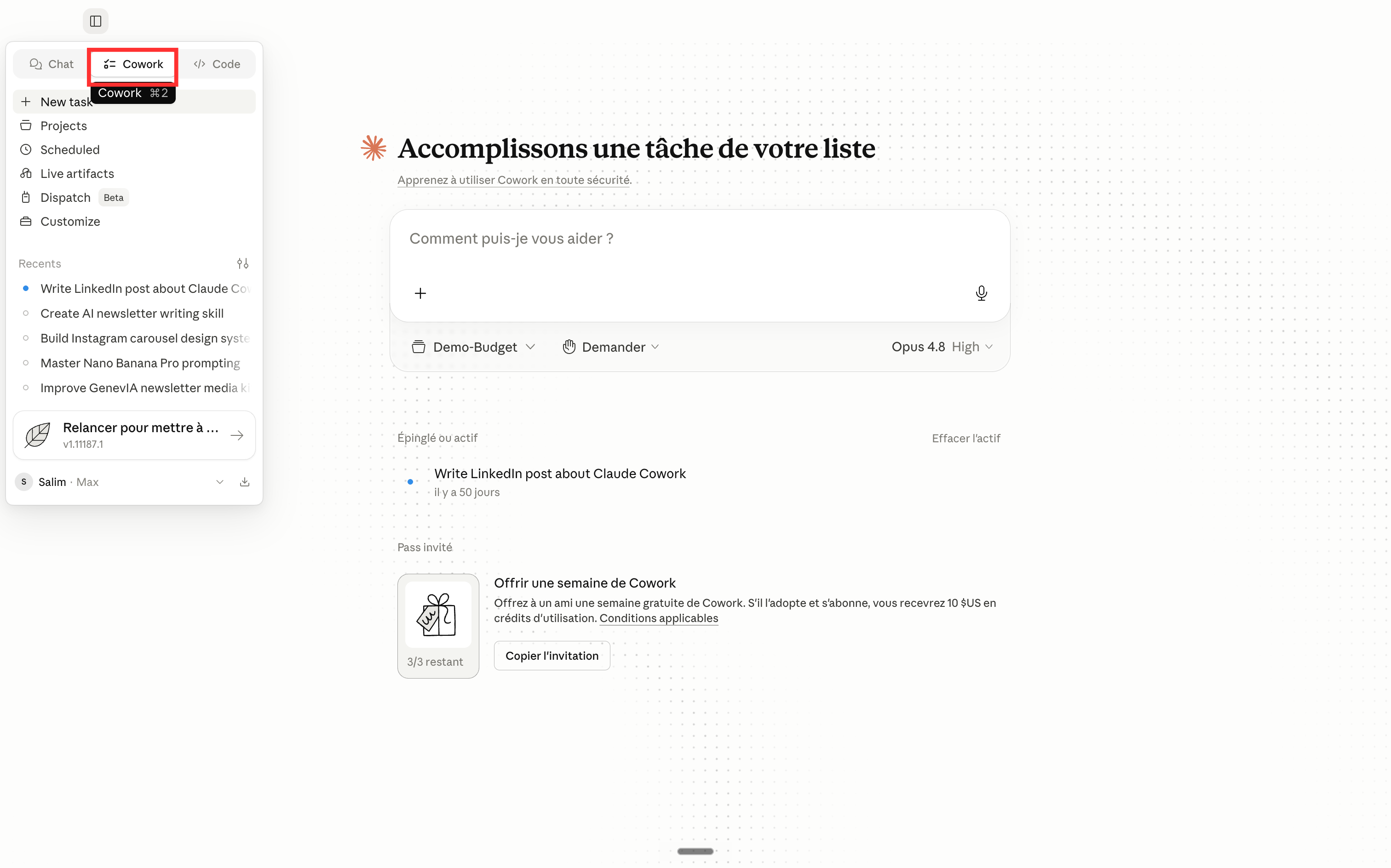
It all starts with a simple conversation. We open Cowork (Claude's mode for working on your files) and start a new task.
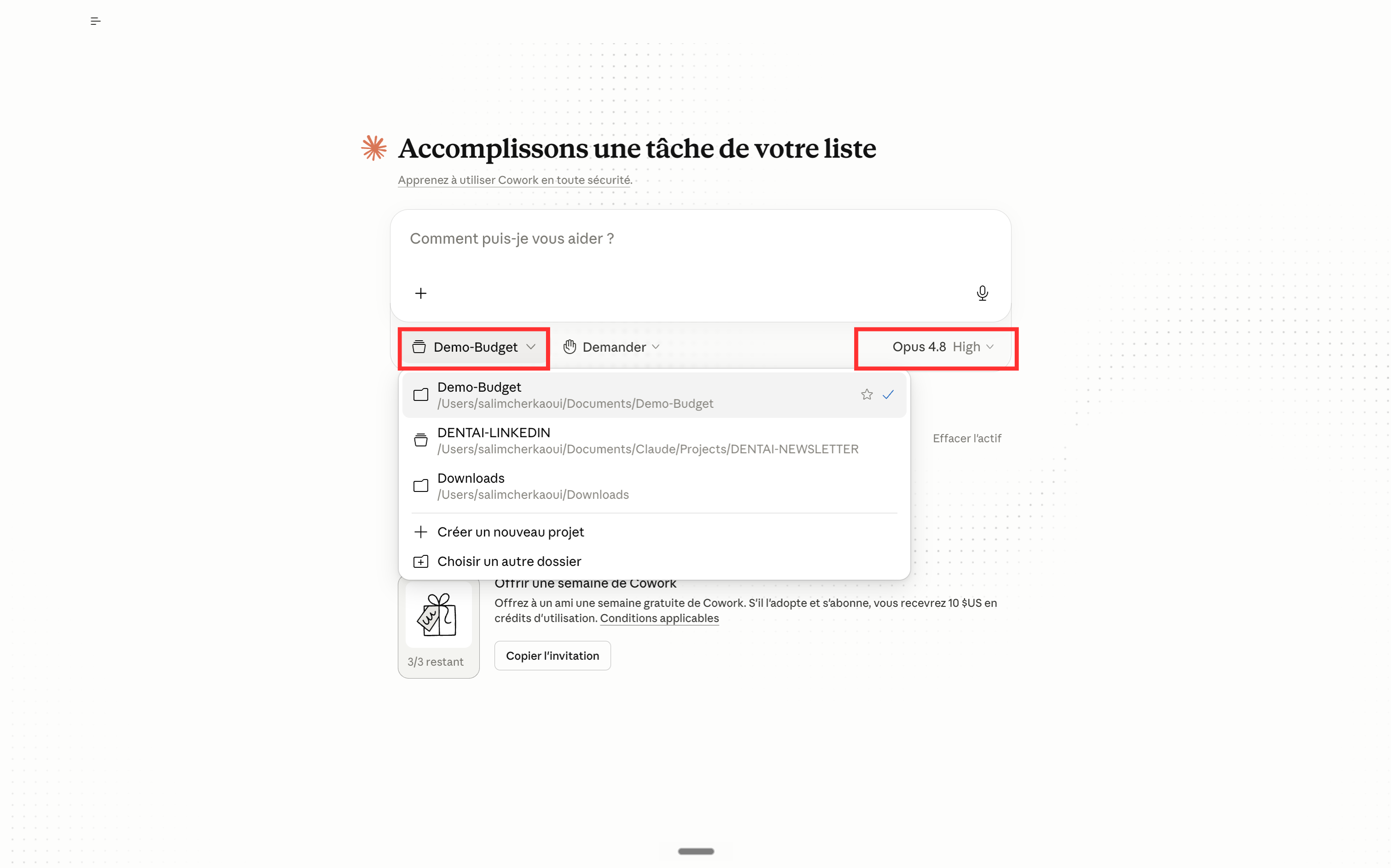
Before asking for anything, we tell Claude where to work: we pick the company folder and the reasoning model. That's the folder Claude will read from and where it will drop the final file.
Next, we give the brief. And this is where it's won or lost: the more precise the request, the better the result. We describe the company (a small services business), the expected tabs (Assumptions, Budget, Actual vs Budget, Cash Flow, Dashboard, Scenarios), the currency, the formatting... and above all, we ask Claude to list its assumptions before building, so we can validate them.
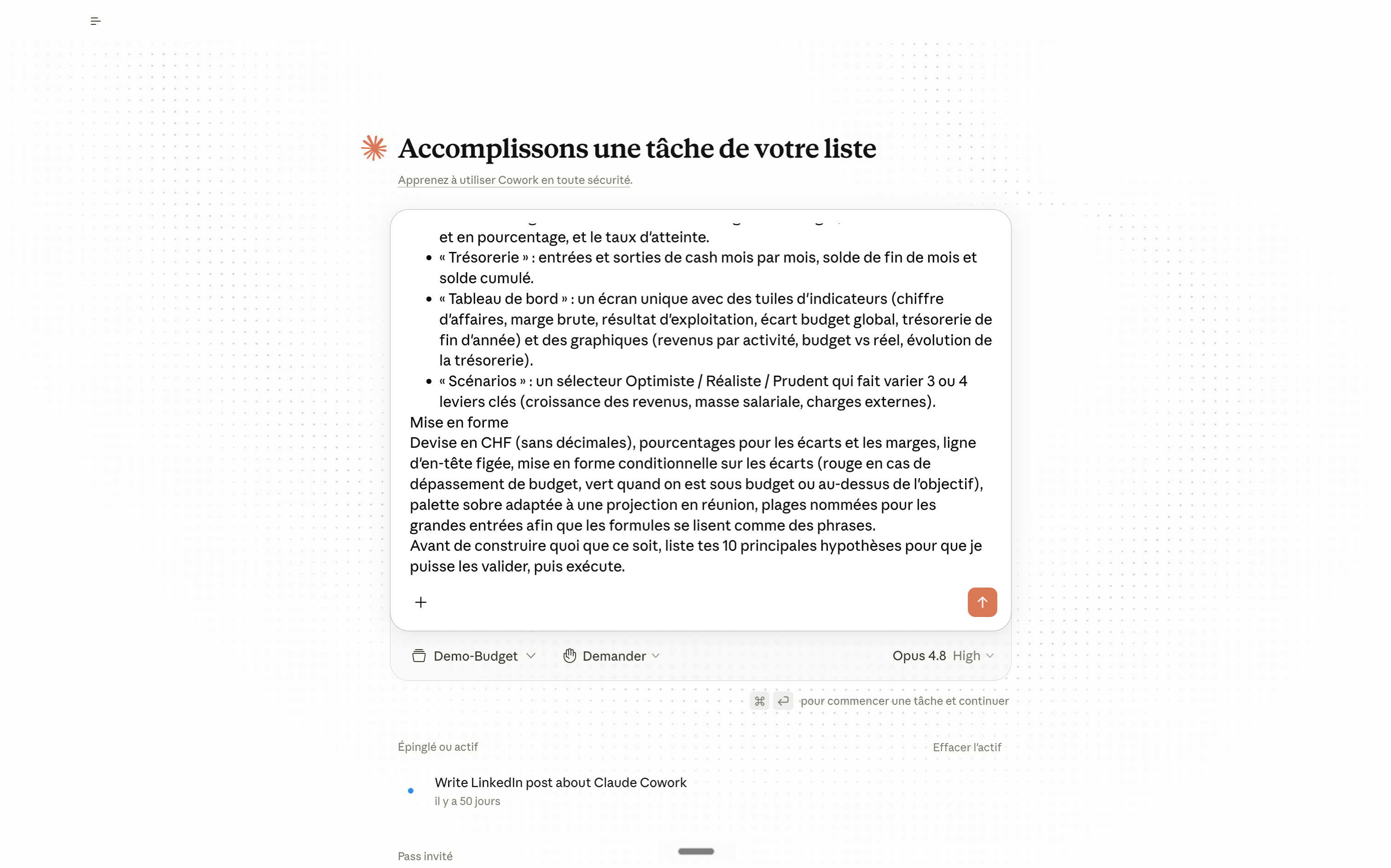
And since the precision of the request makes up 90% of the result, here's the exact prompt I used: copy it, adapt the figures to your business, and run it:
Create an Excel file: the annual budget of a small business over 12 months, January to December 2026, with tracking of actuals against budget.

Objective
Manage the company's budget month by month: see where we stand against the plan, spot overruns early, and present everything at management meetings. I want to be able to challenge every assumption and see the model recalculate instantly.

Context:
- Services business with about fifteen people.
- Revenue by business line (e.g. recurring services, one-off projects), with some seasonality.
- Expenses split into: payroll (by function), external costs (rent, IT, marketing, travel, subcontracting) and other expenses.
- Make your own assumptions for amounts, growth, cost rates and margin. Each assumption lives as a labeled, editable cell on the Assumptions tab, never hard-coded in a downstream formula, so I can change it and recalculate everything at once.

Required tabs:
- "Assumptions": all inputs grouped together (Revenue by business line, Payroll, External costs, Headcount, Rates), with notes separating hard numbers from estimates.
- "Budget": the 12 months as columns, each line item as a row (revenue, expenses, margin, net income), with monthly and cumulative totals.
- "Actual vs Budget": actuals entered next to the budget, with the variance in value and percentage, and the achievement rate.
- "Cash Flow": cash in and cash out month by month, end-of-month balance and cumulative balance.
- "Dashboard": a single screen with KPI tiles (revenue, gross margin, operating income, overall budget variance, year-end cash) and charts (revenue by business line, budget vs actual, cash trend).
- "Scenarios": an Optimistic / Realistic / Cautious selector that varies 3 or 4 key levers (revenue growth, payroll, external costs).

Formatting
Currency in CHF (no decimals), percentages for variances and margins, frozen header row, conditional formatting on variances (red when over budget, green when under budget or above target), a restrained palette that works on a meeting-room screen, named ranges for the main inputs so formulas read like sentences.

Before building anything, list your 10 main assumptions so I can validate them, then execute.
A few moments later, the work is done: Claude has generated a complete Excel workbook, Budget_PME_2026.xlsx, with all the tabs and all the formulas. The progress panel shows each step of the build.
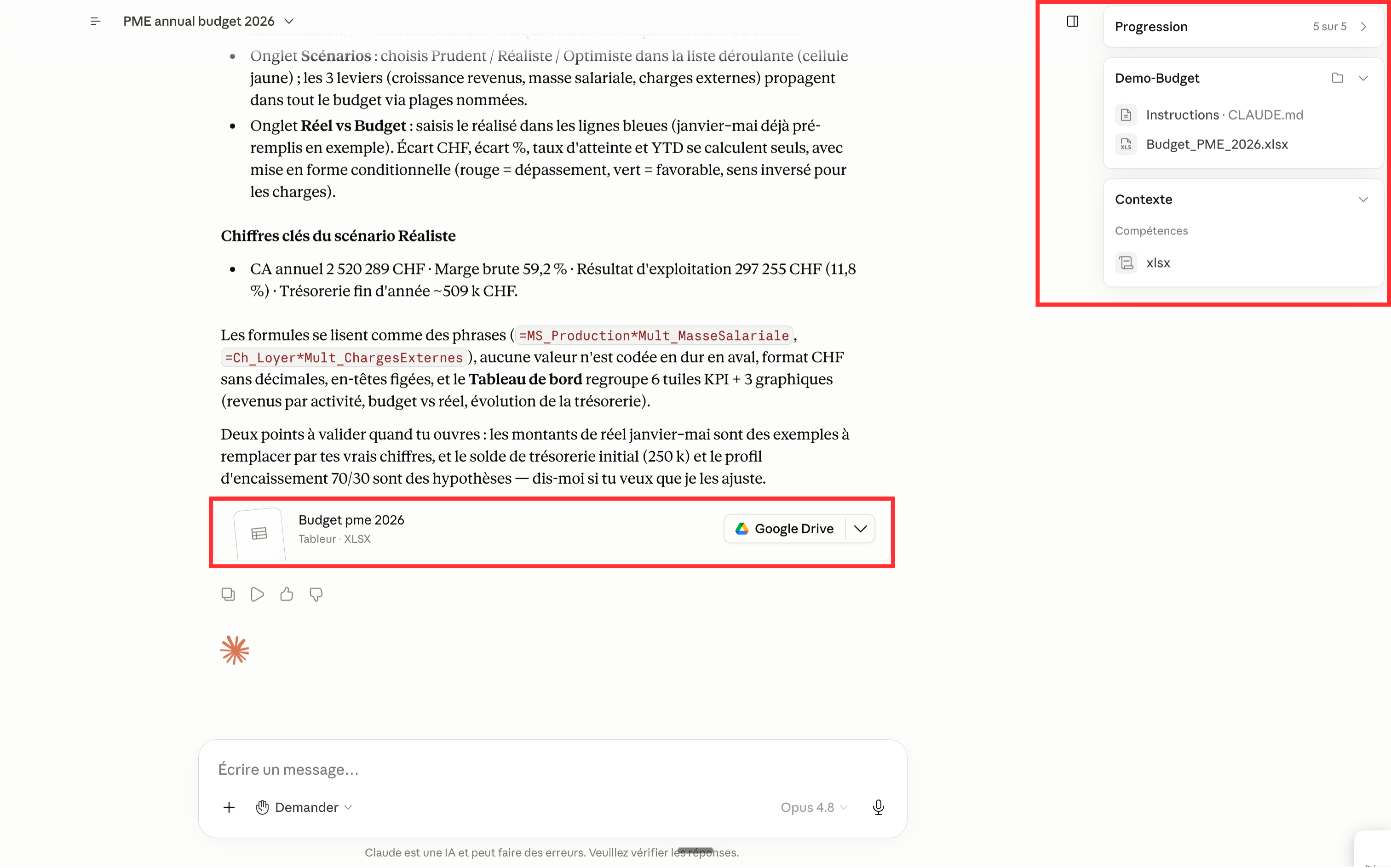
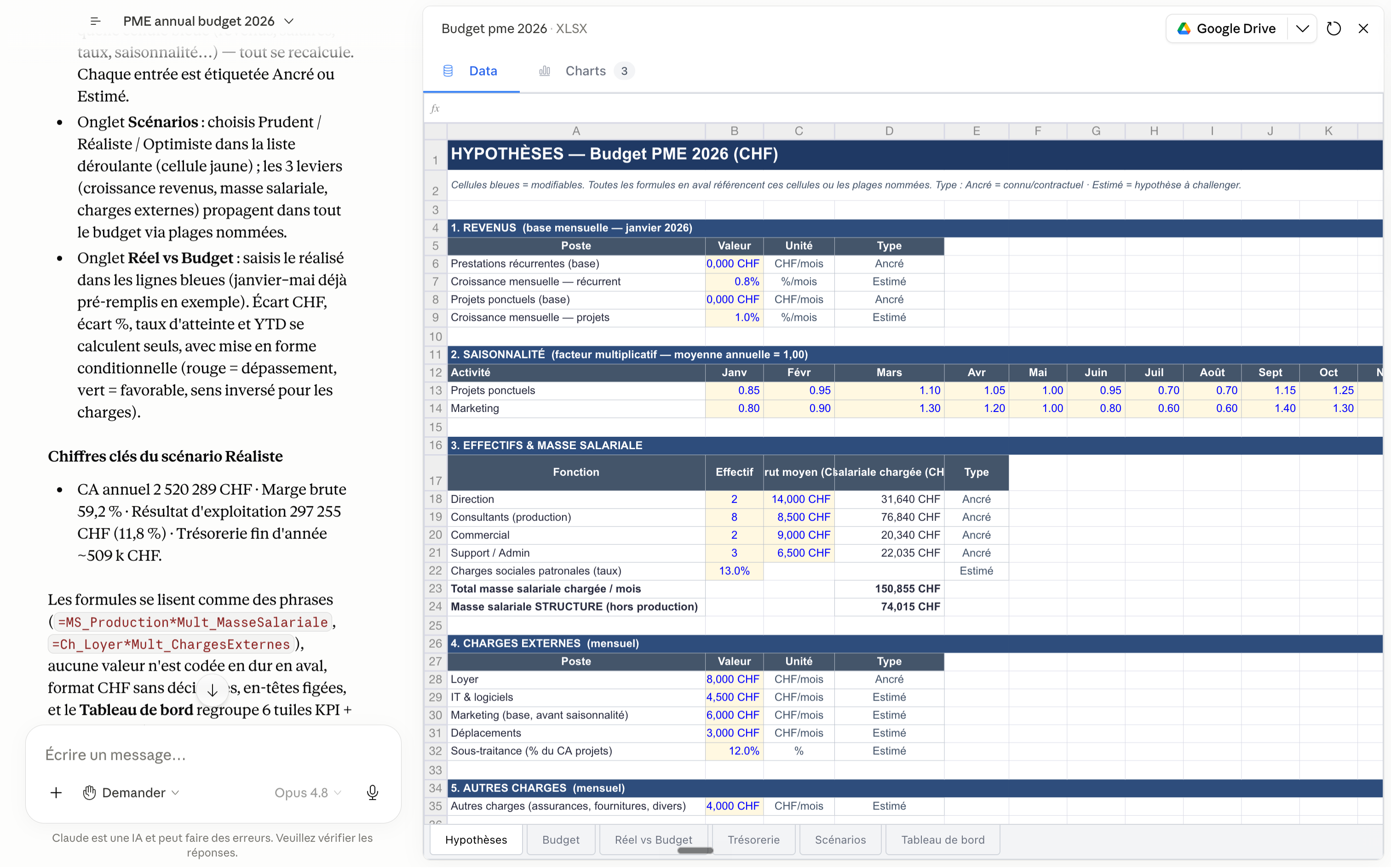
And it's not an empty shell. We open the workbook: the Assumptions tab groups all the editable inputs (revenue, payroll, expenses, rates), each one labeled. Change one cell, and the whole model recalculates.
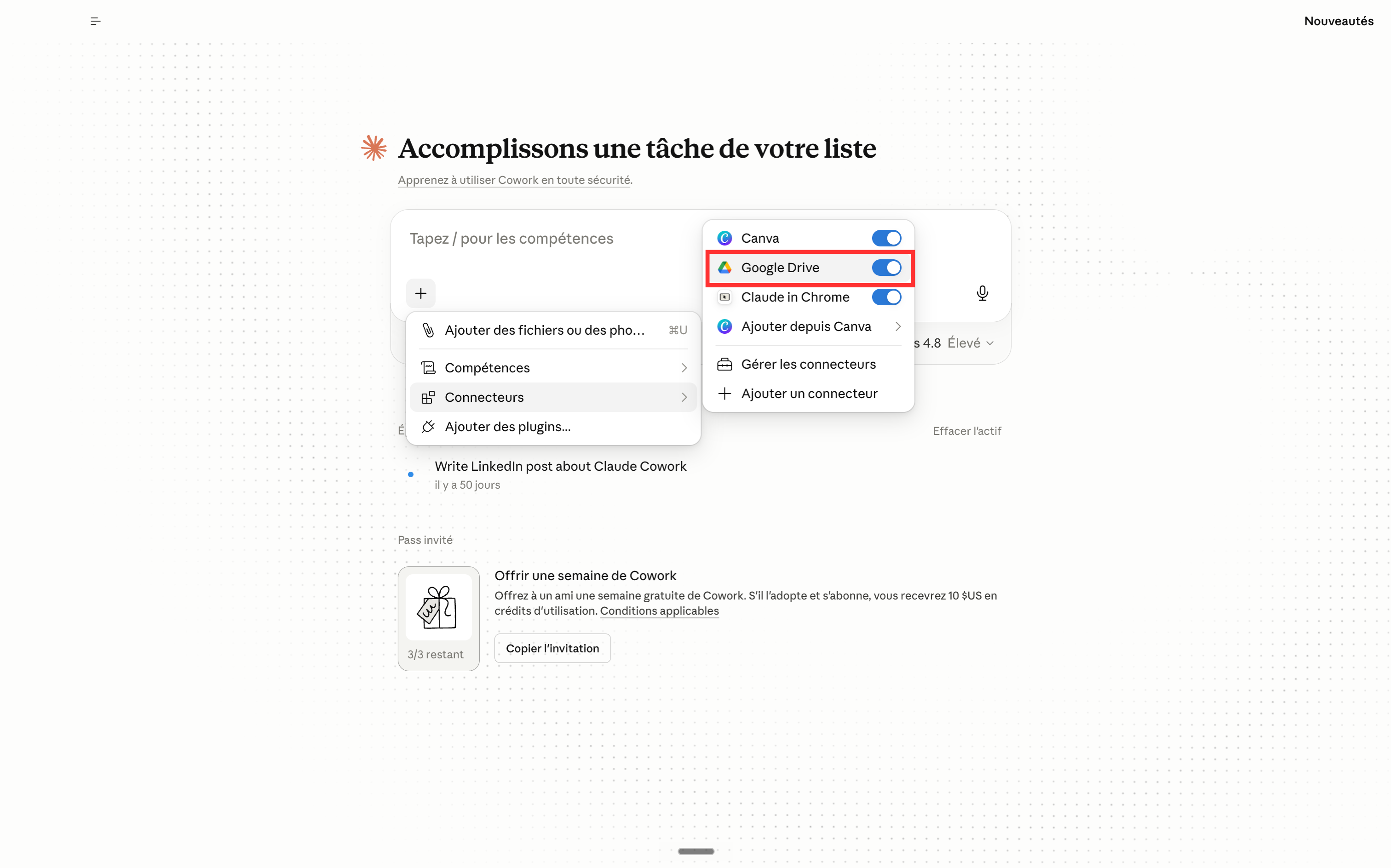
Last step of this part: we connect Google Drive in one click, to get the file out of the app and share it.
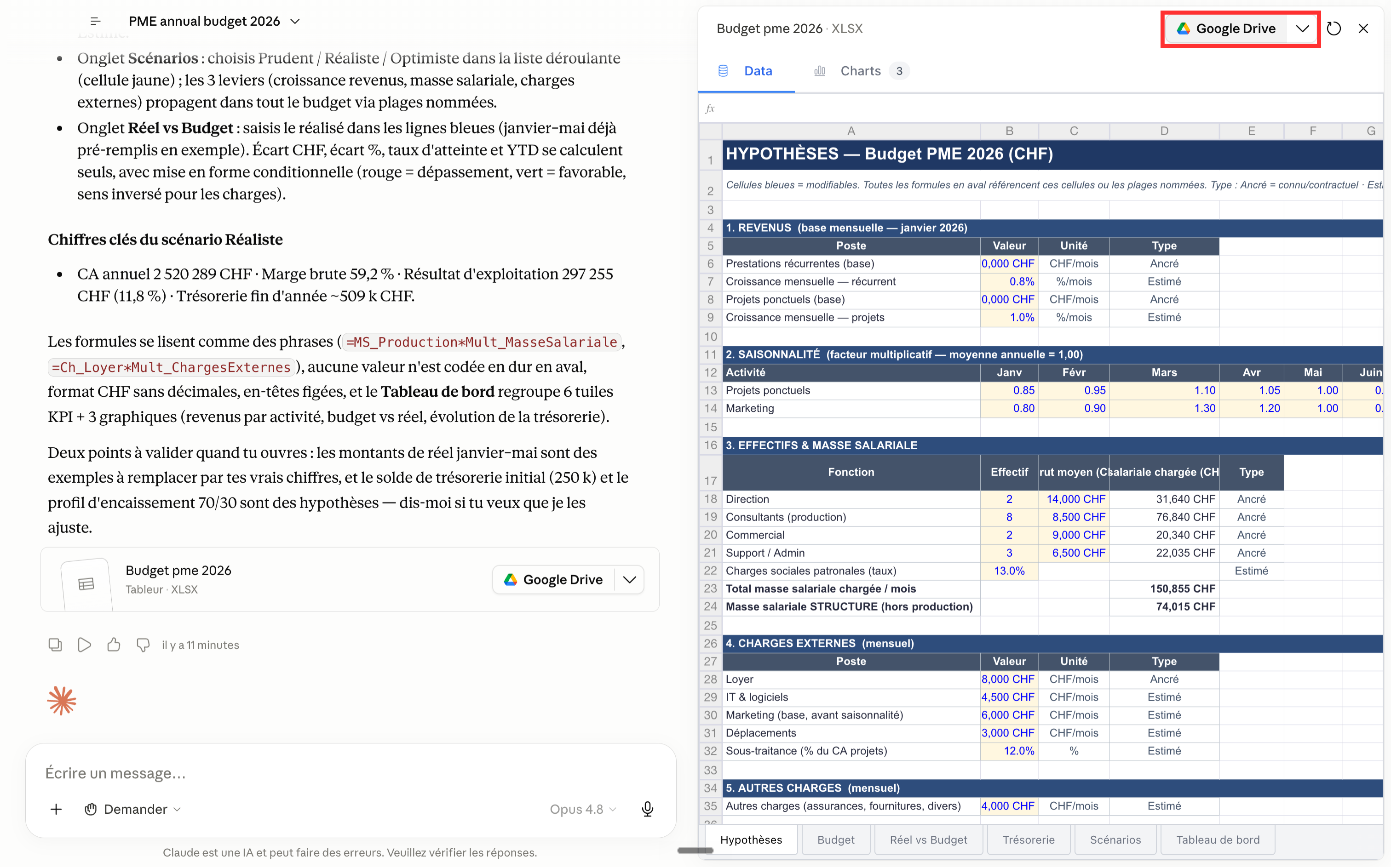
And there you go: the budget is sent to your Drive, ready to be opened, shared and edited by the whole team.
Part 2: Picking it up in Google Drive (with ChatGPT as backup)
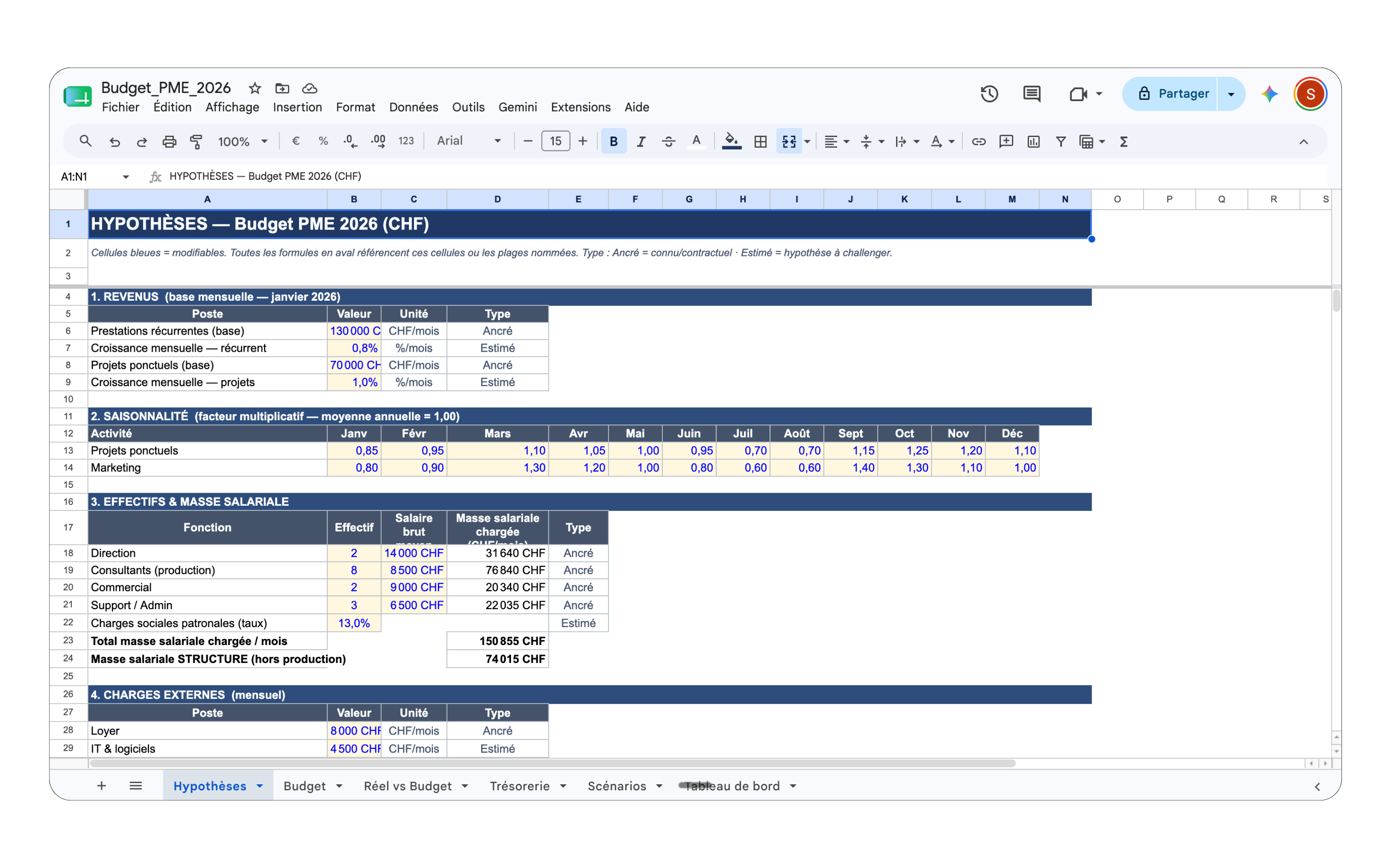
The file now lives in Google Sheets, accessible from anywhere, like any other company spreadsheet.
To go further without leaving the sheet, we add an assistant right inside Sheets. We go to Extensions → Add-ons → Get add-ons.
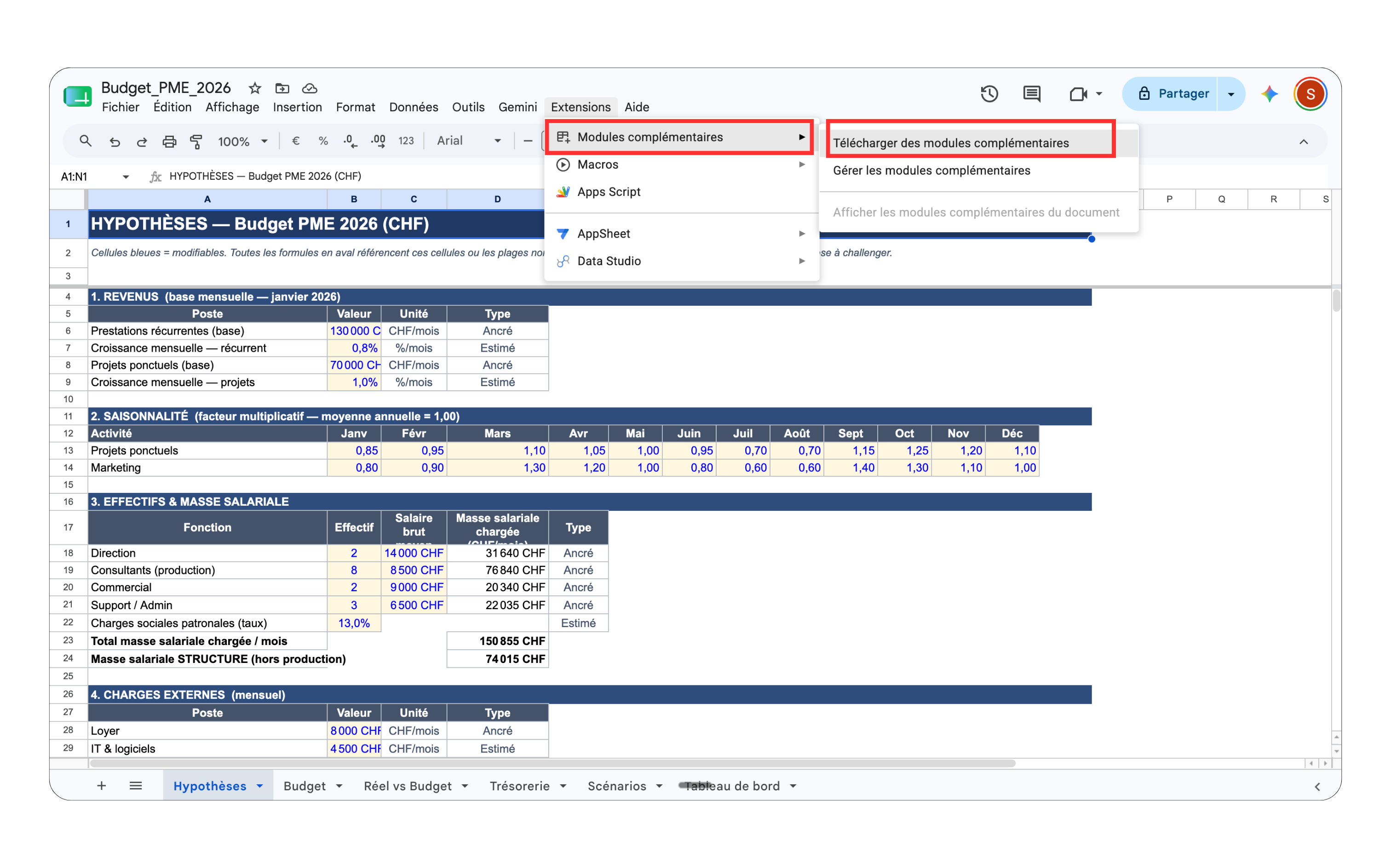
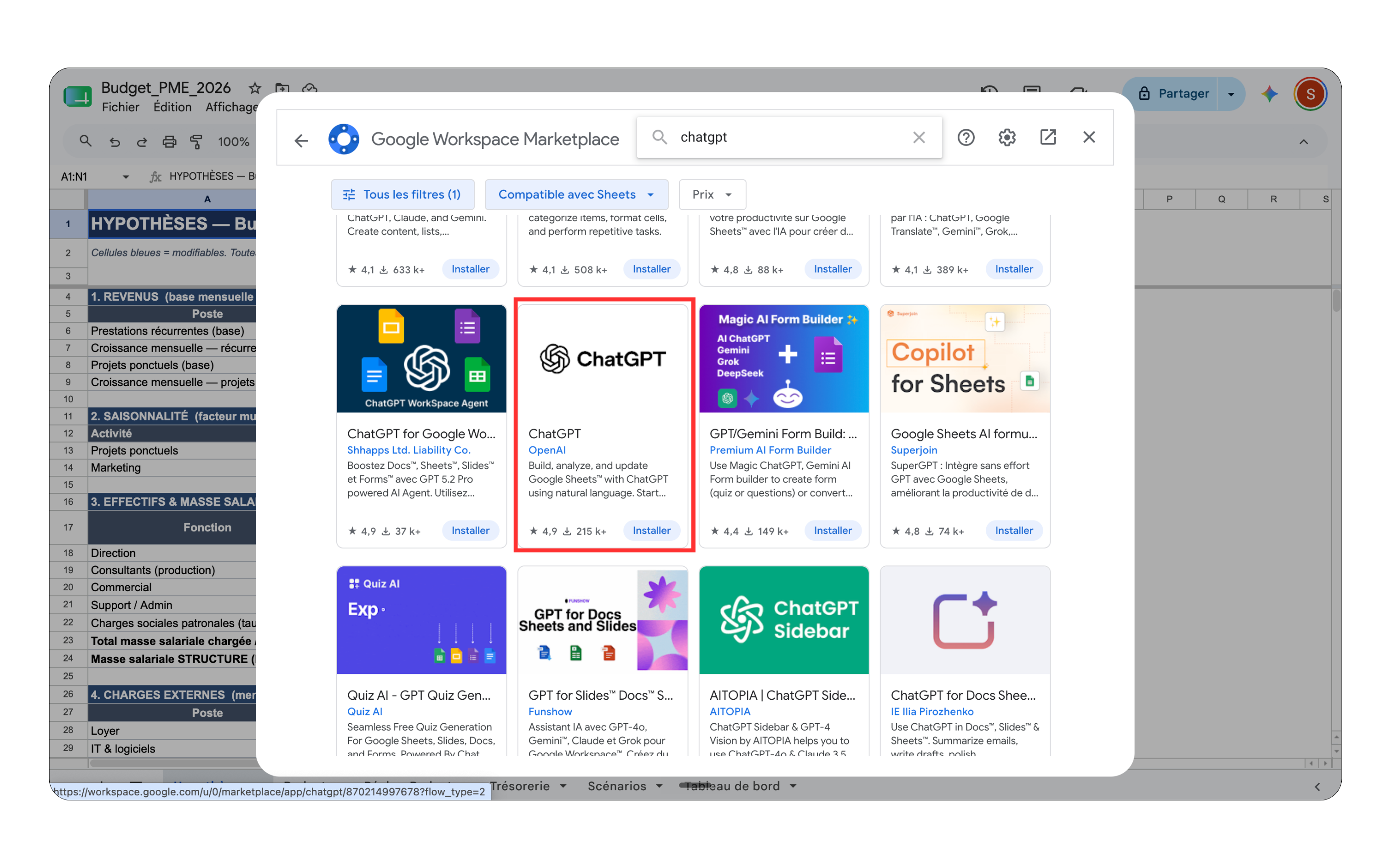
In the Google Workspace Marketplace, we search for "chatgpt" and select the official app.
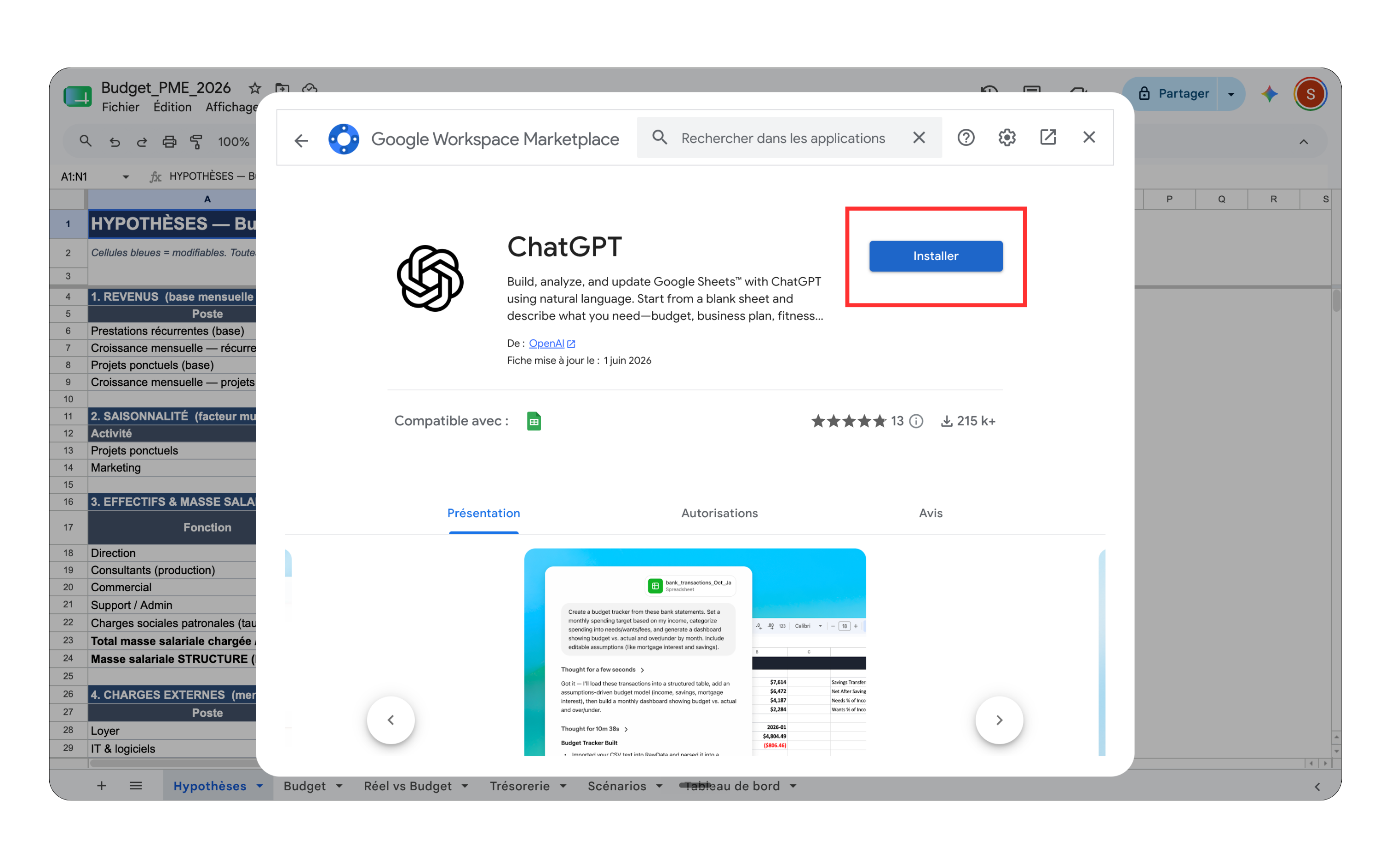
One click on Install...
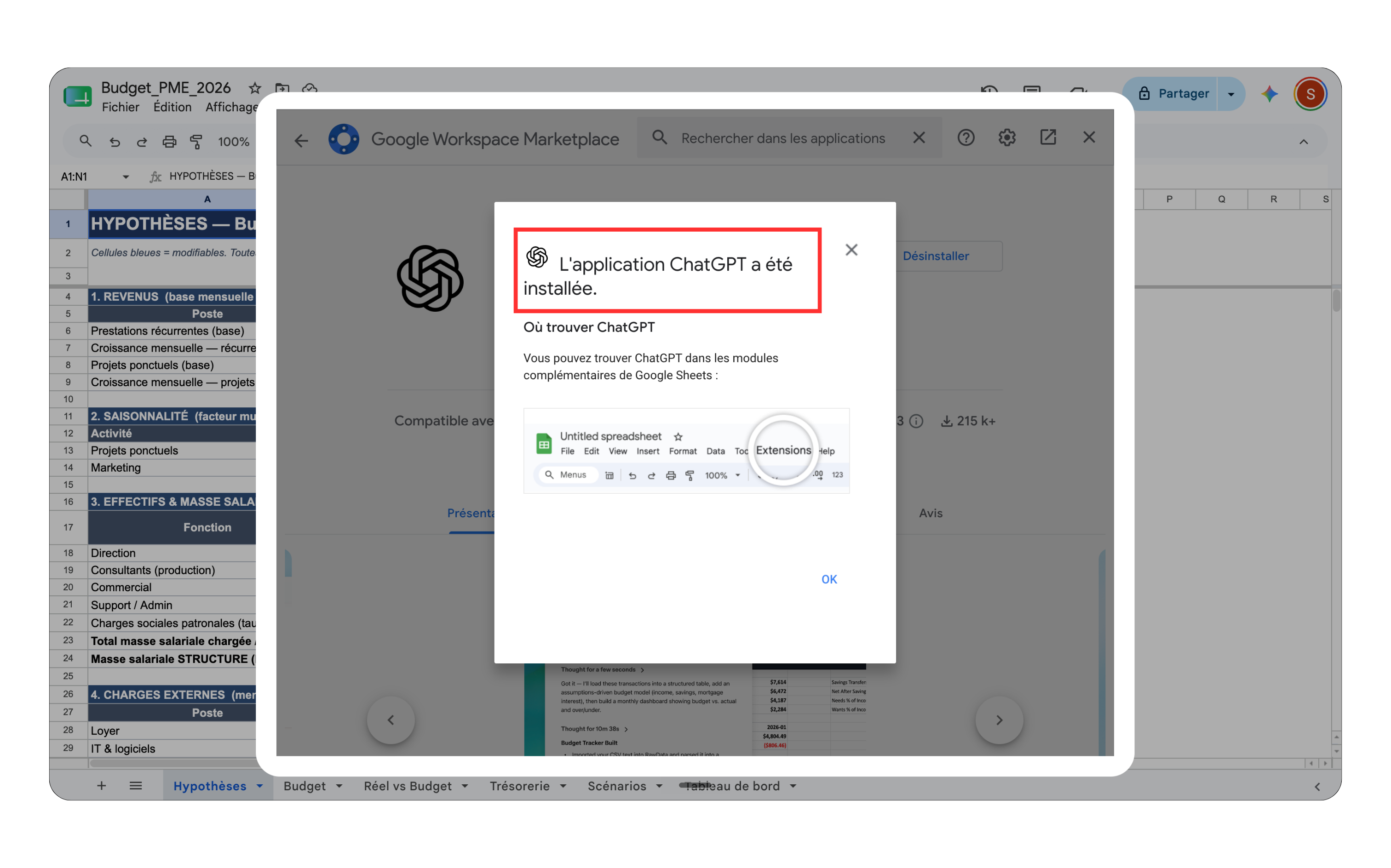
... and the installation is confirmed. ChatGPT now lives inside Google Sheets.
We wake it up via Extensions → ChatGPT → Open Sidebar.
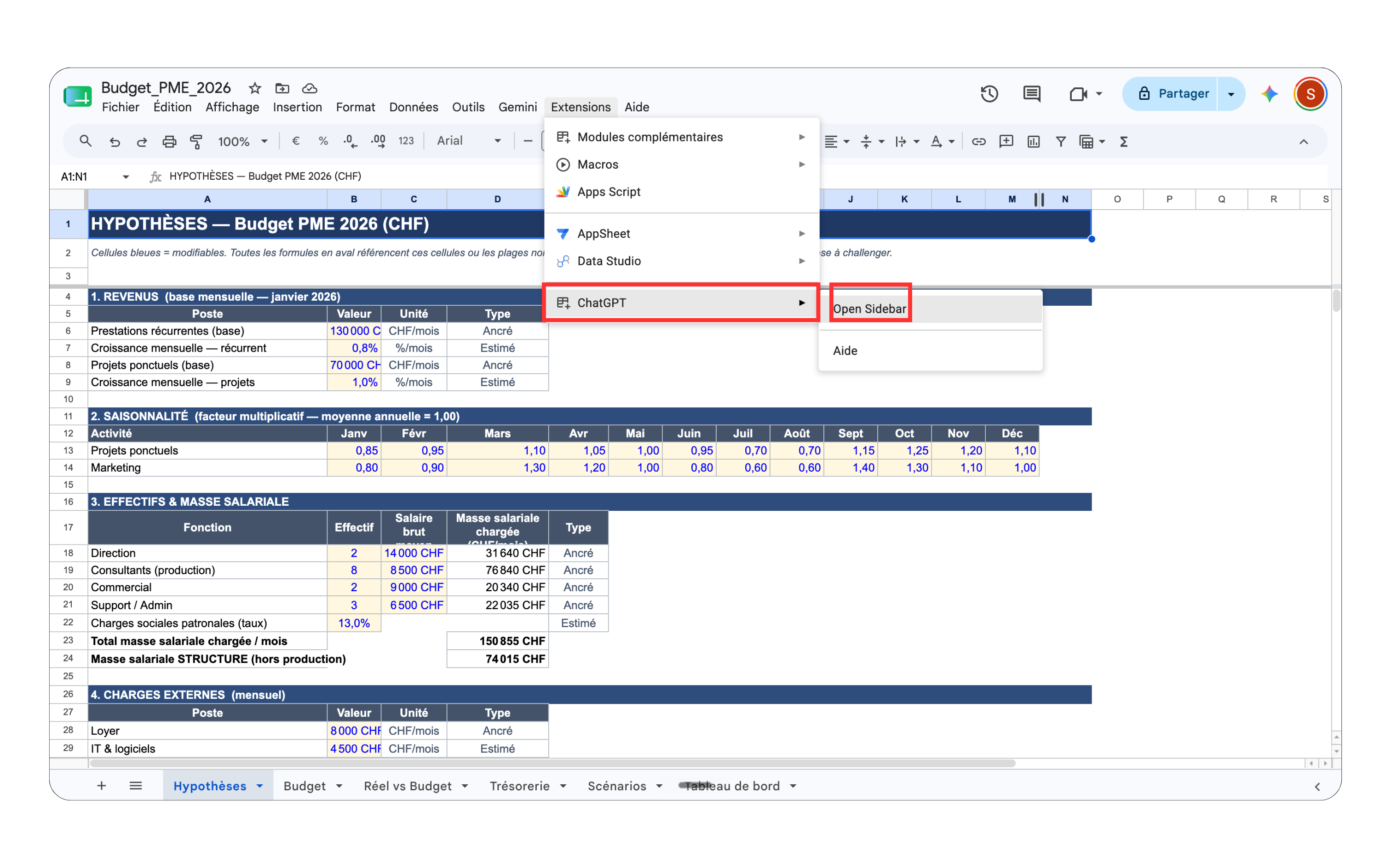
The sidebar opens to the right of the sheet: we can now talk to it in plain language, without ever leaving the spreadsheet.
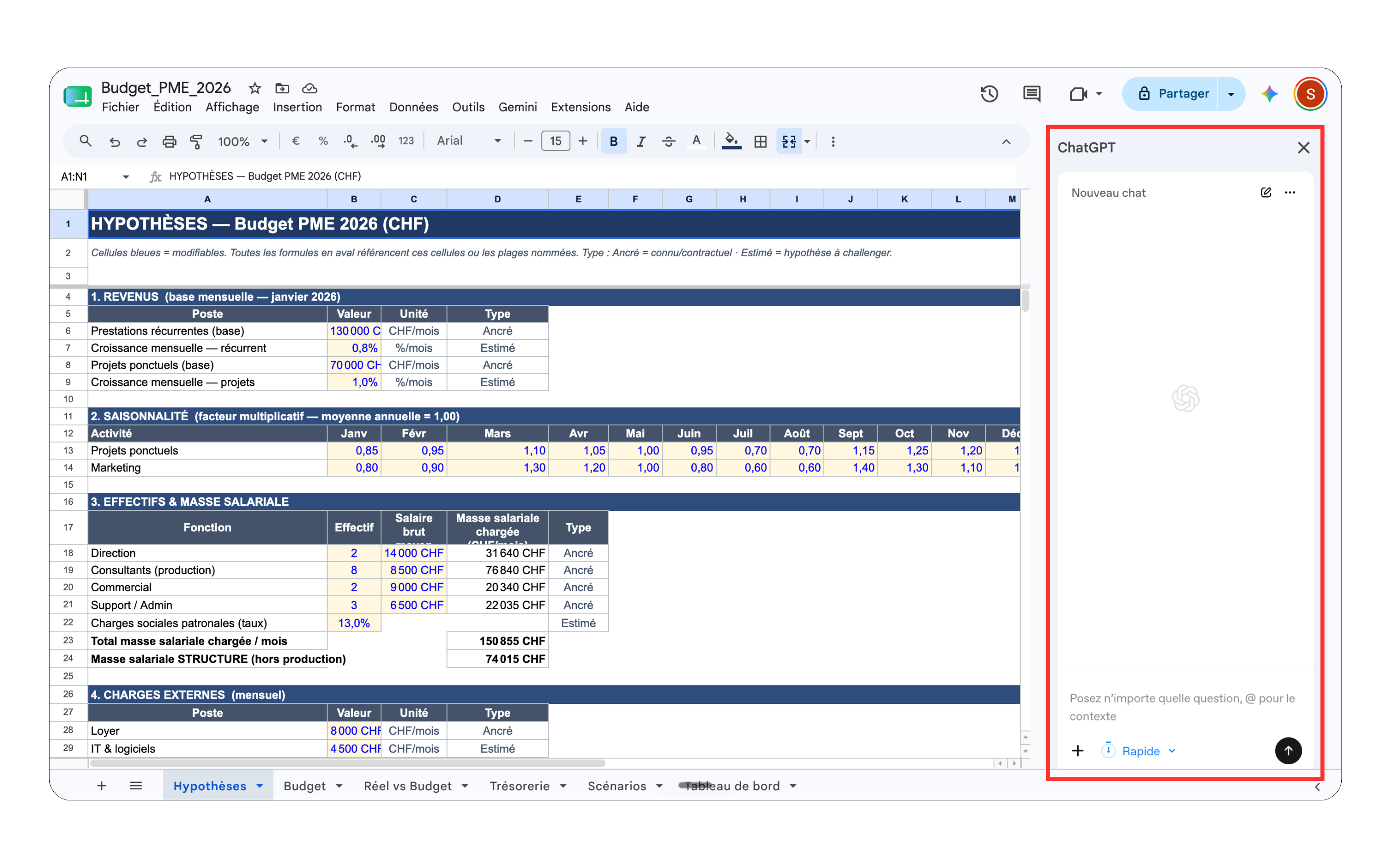
A handy setting: we pick the response mode (Fast, Standard or Deep) depending on whether we want a quick touch-up or an in-depth analysis.
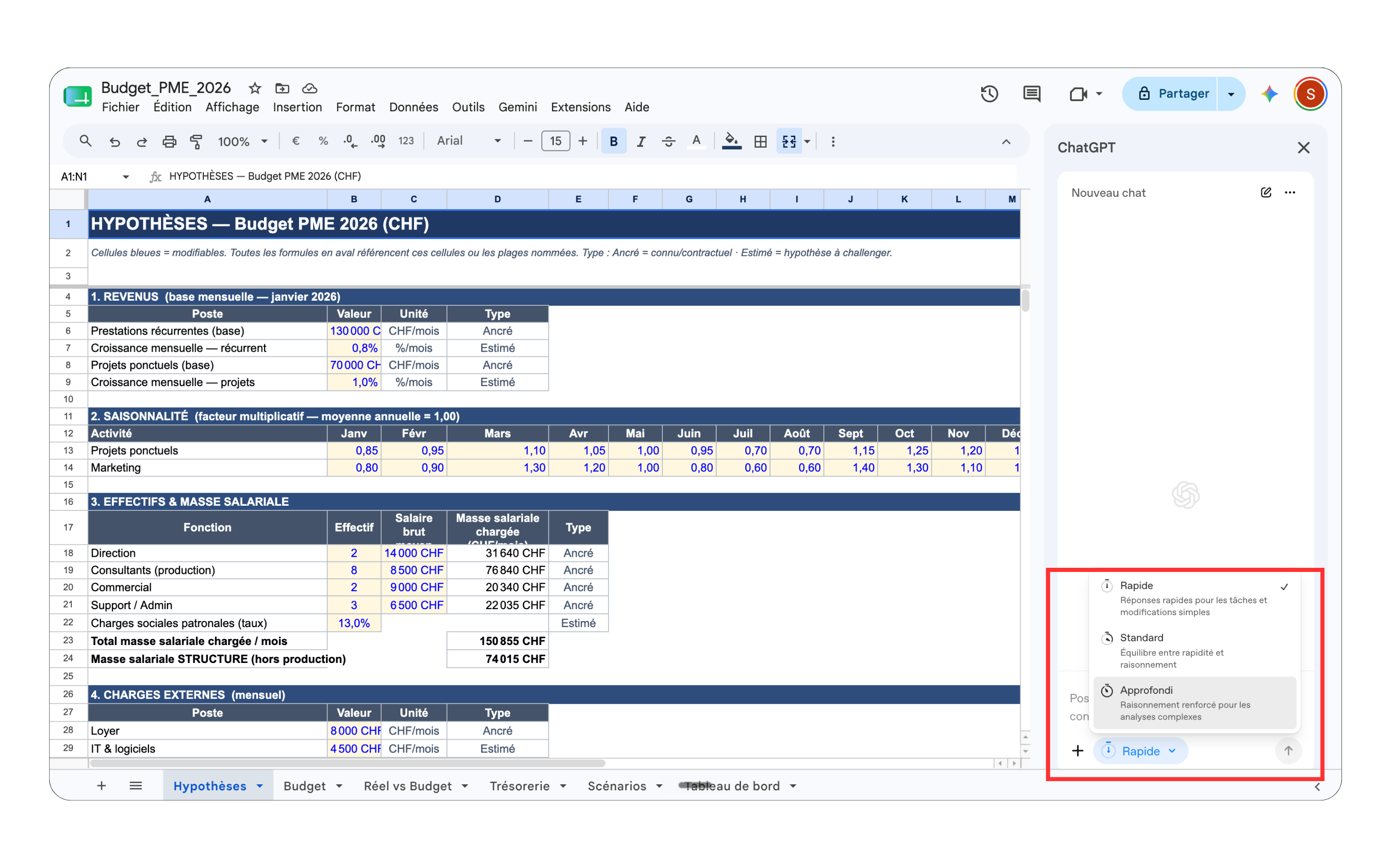
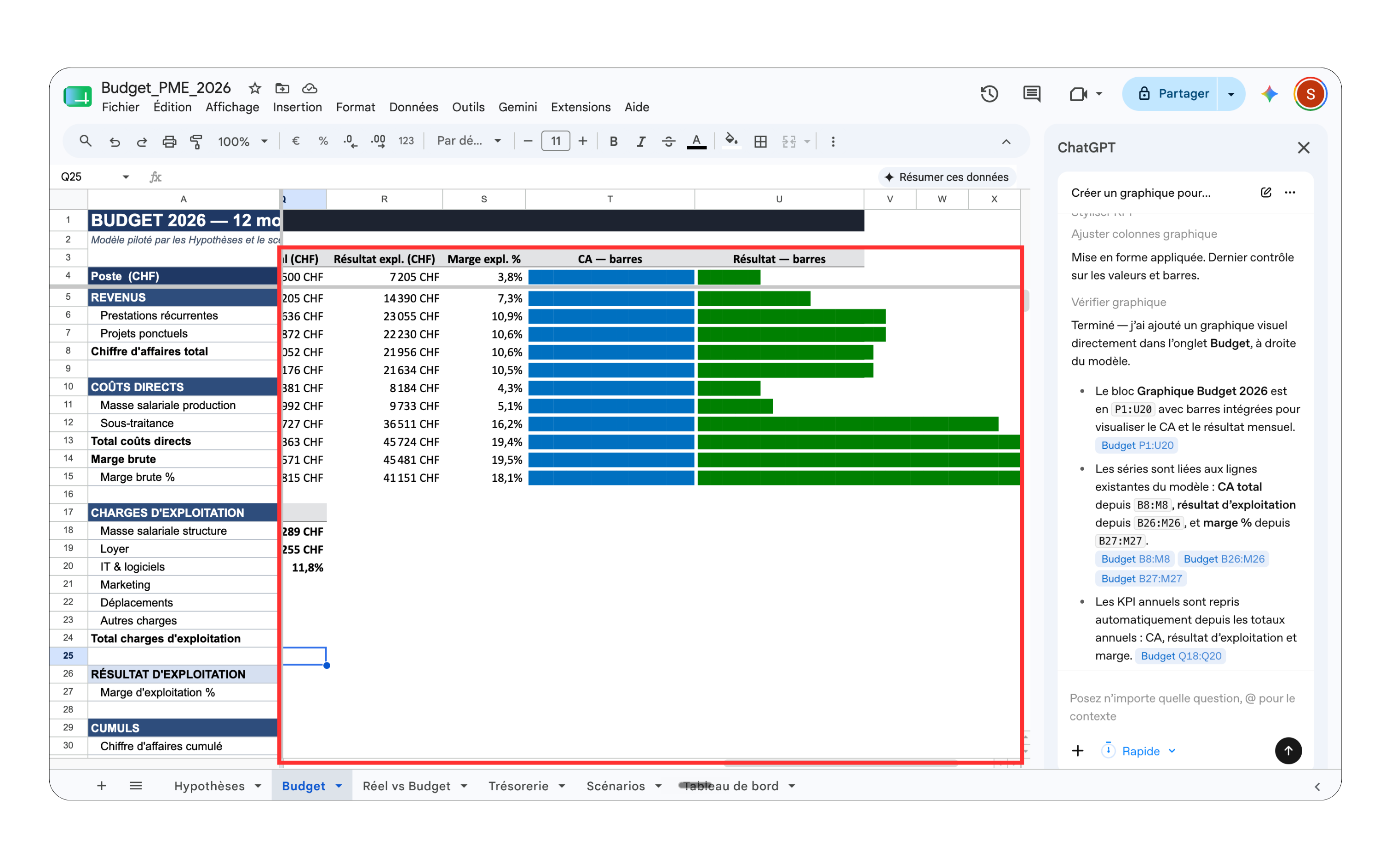
Time for the demo. We go to the Budget tab and simply ask ChatGPT to add a visualization of the figures: no chart menu, no fiddling, just one sentence.
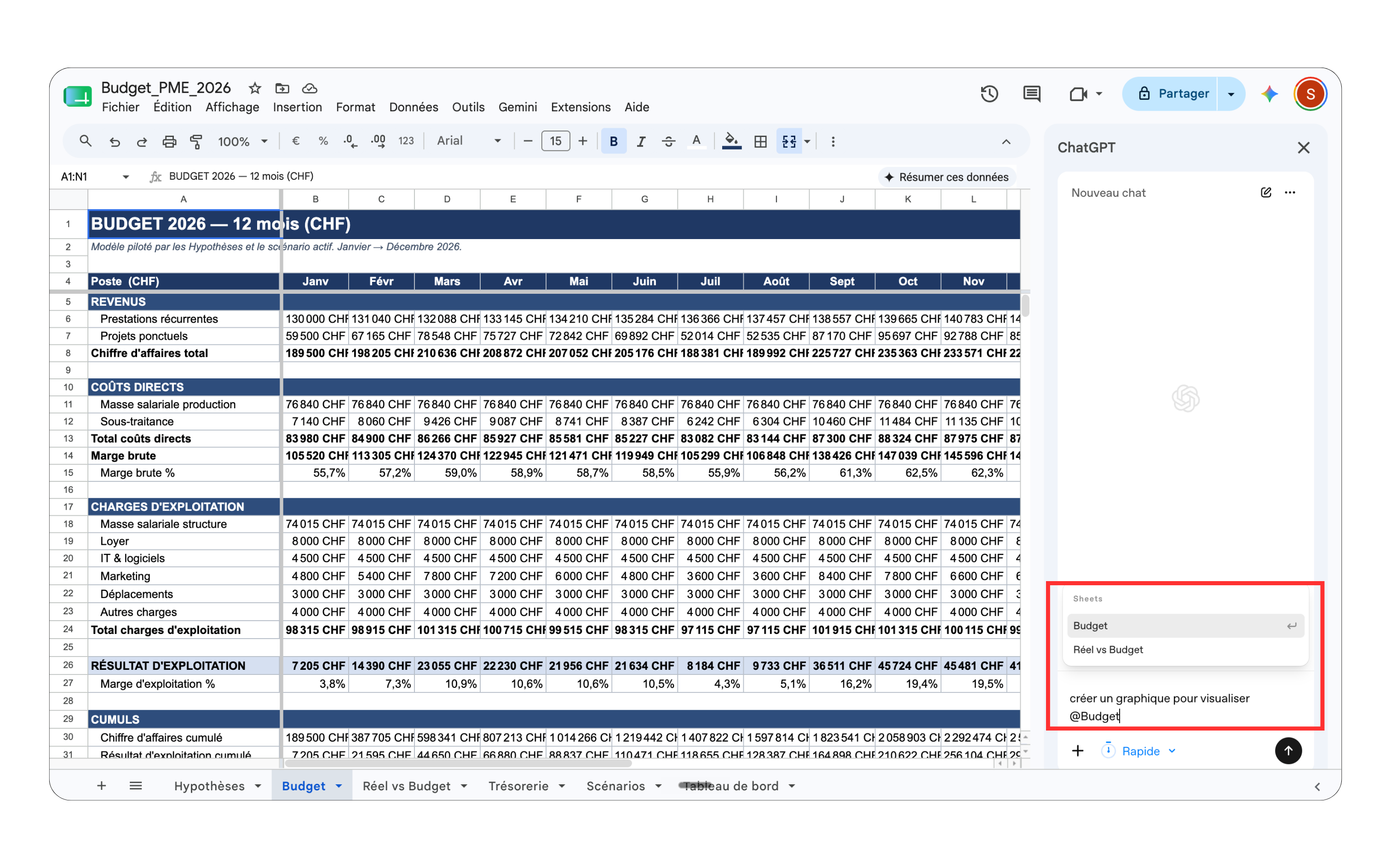
The result: ChatGPT inserts in-cell bars directly (revenue bars, net income bars) and explains what it did in the sidebar. The budget goes from a raw table to a readable dashboard in seconds.
The takeaway
In two steps, you have an annual budget that's complete, shared and enriched, without writing a single formula:
-
Claude does the heavy lifting: structure, formulas, assumptions, scenarios.
-
Google Drive makes the file collaborative and shareable.
-
ChatGPT polishes it directly in Sheets, just by asking.
AI doesn't replace your financial judgment; it just removes the tedious part. The good decisions are yours; the grunt work goes to the spreadsheet.
Talk soon,
Salim from GenevIA
P.S. If you want to go further on how AI is redefining companies and work, The Ergon Report is GenevIA's private report, designed for those who want to make the right decisions over the next 6, 12 and 18 months. It's right here.
Get The Ergon Brief every week