
Prompting is the worst way to use Claude.
A second brain?
Stop prompting Claude.
Prompting is the worst way to use Claude.
Not because your prompts are bad. Because you start from scratch every session. You explain who you are, your tone, your rules, your context. And Claude hands you something generic. You blame it.
But here's the real problem:
you didn't give it what it needed.
Except nobody wants to type 400 words of context to get a first draft.
So you don't. And the result sounds like everyone else.
*(*N.B. if you live in Geneva or nearby, don't forget to read the P.S. at the end of this email)
The real problem isn't your prompt. It's that Claude forgets everything.
Every conversation starts from zero. Claude doesn't know you write short. That you hate bullet points. That you're targeting CEOs, not students. That you want it to ask questions before executing.
You could work around this with Projects:
save your files once, find them again in every conversation. Better than nothing. But you were still creating a new project for each topic, re-uploading more or less the same files, re-explaining the same rules.
That's not a second brain. It's a slightly better-organized Post-it.
Claude Cowork changes the logic.
Cowork is the Claude desktop app (free to download, but you need a paid subscription). And what sets it apart from everything else is this: Cowork is connected to a folder on your computer.
The principle is simple.
You create a folder called "Claude Cowork". Inside, you put text files. Your style. Your rules. What you do. What you hate. Claude reads these files automatically at the start of each session. No need to mention them. No need to paste them into the prompt. They're there, it absorbs them, and it works with them.
The files are the prompt. Forever:
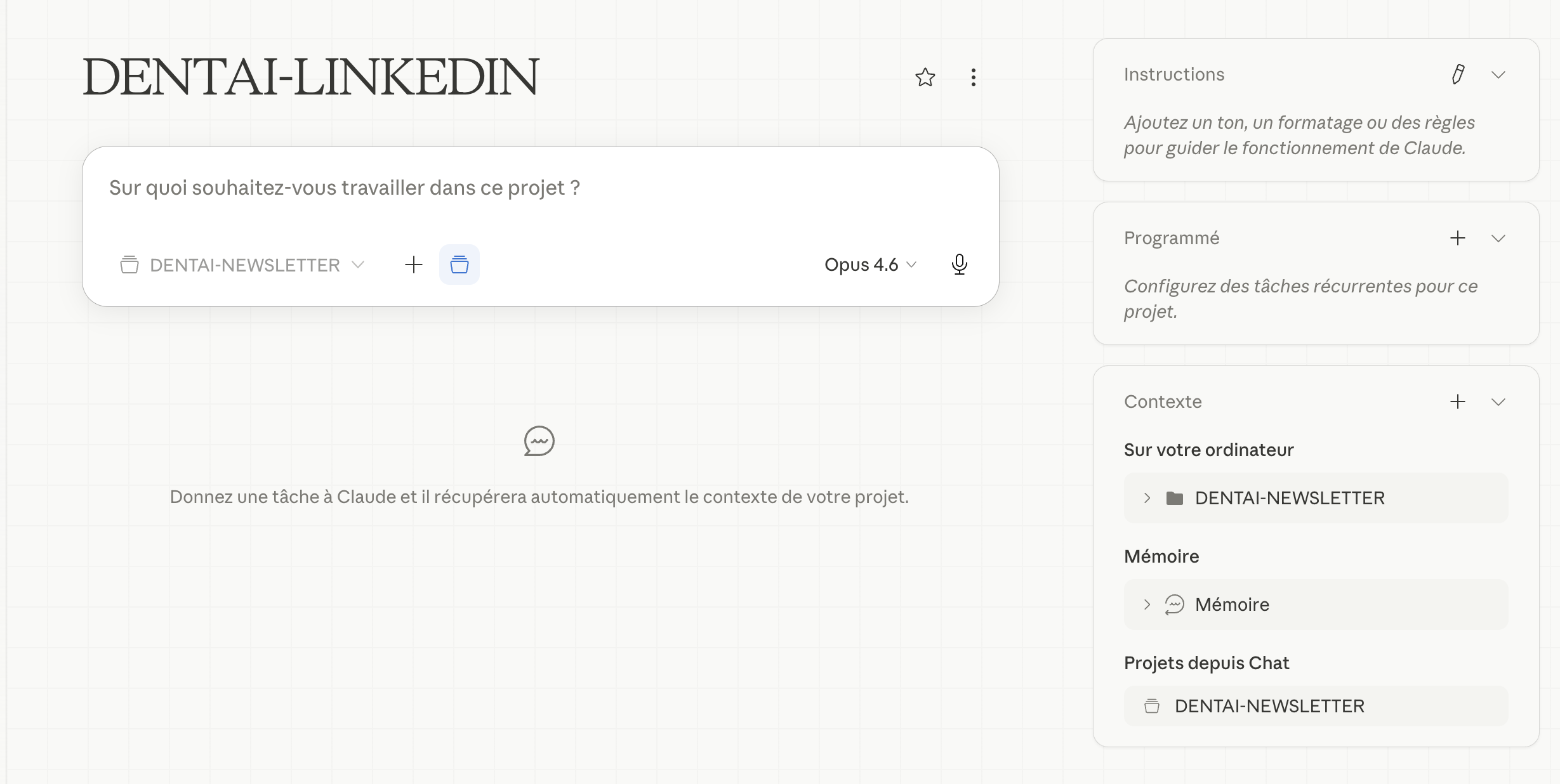
And when Cowork produces something, it drops it straight into that same folder, in a subfolder. Like a colleague who hands in their work in a predictable place.
What this changes in practice.
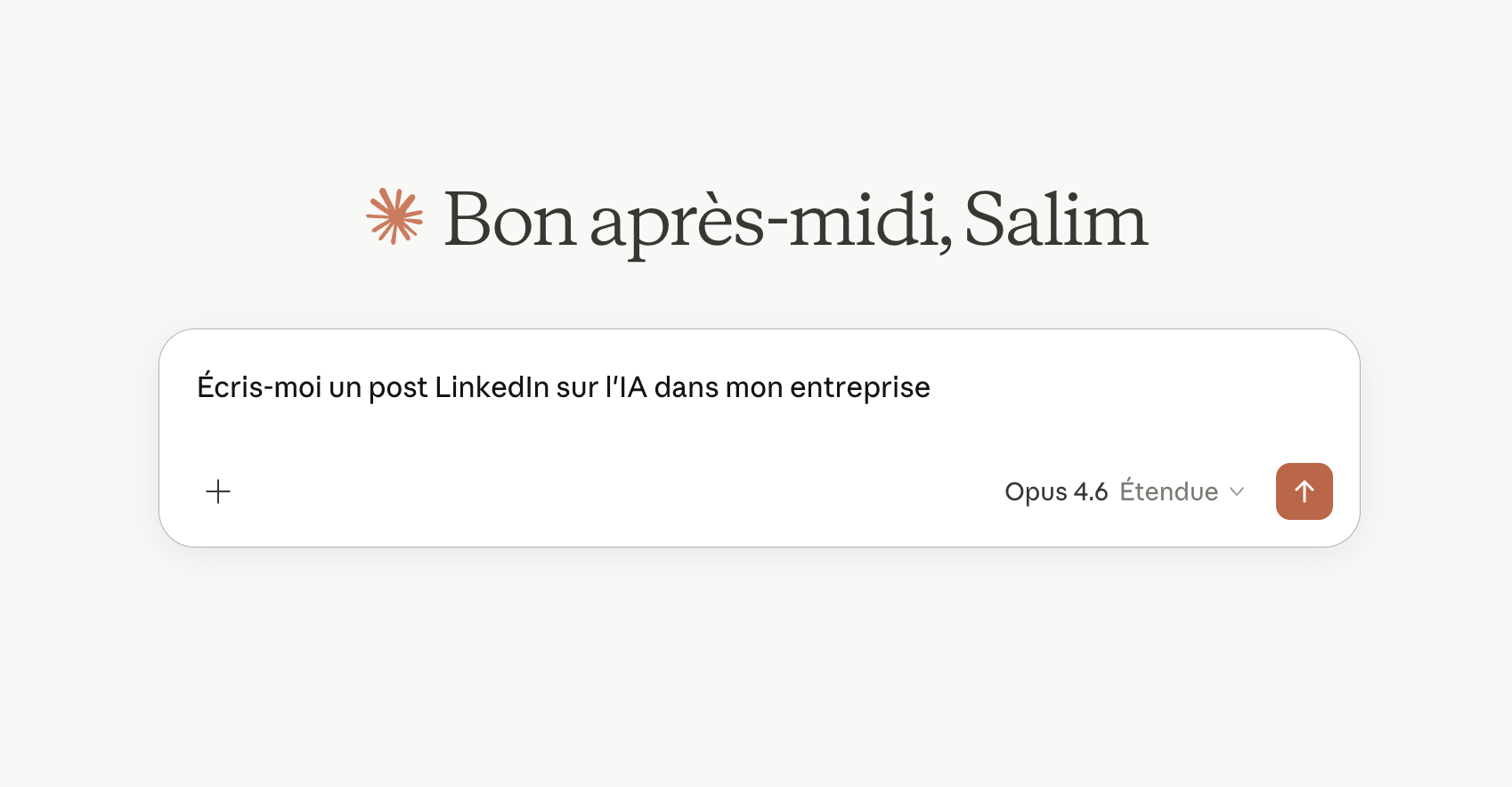
Here's a concrete example. You open Cowork and type: "Write a LinkedIn post on this topic."
One line. That's your whole prompt (though of course, the more info you give, the better).
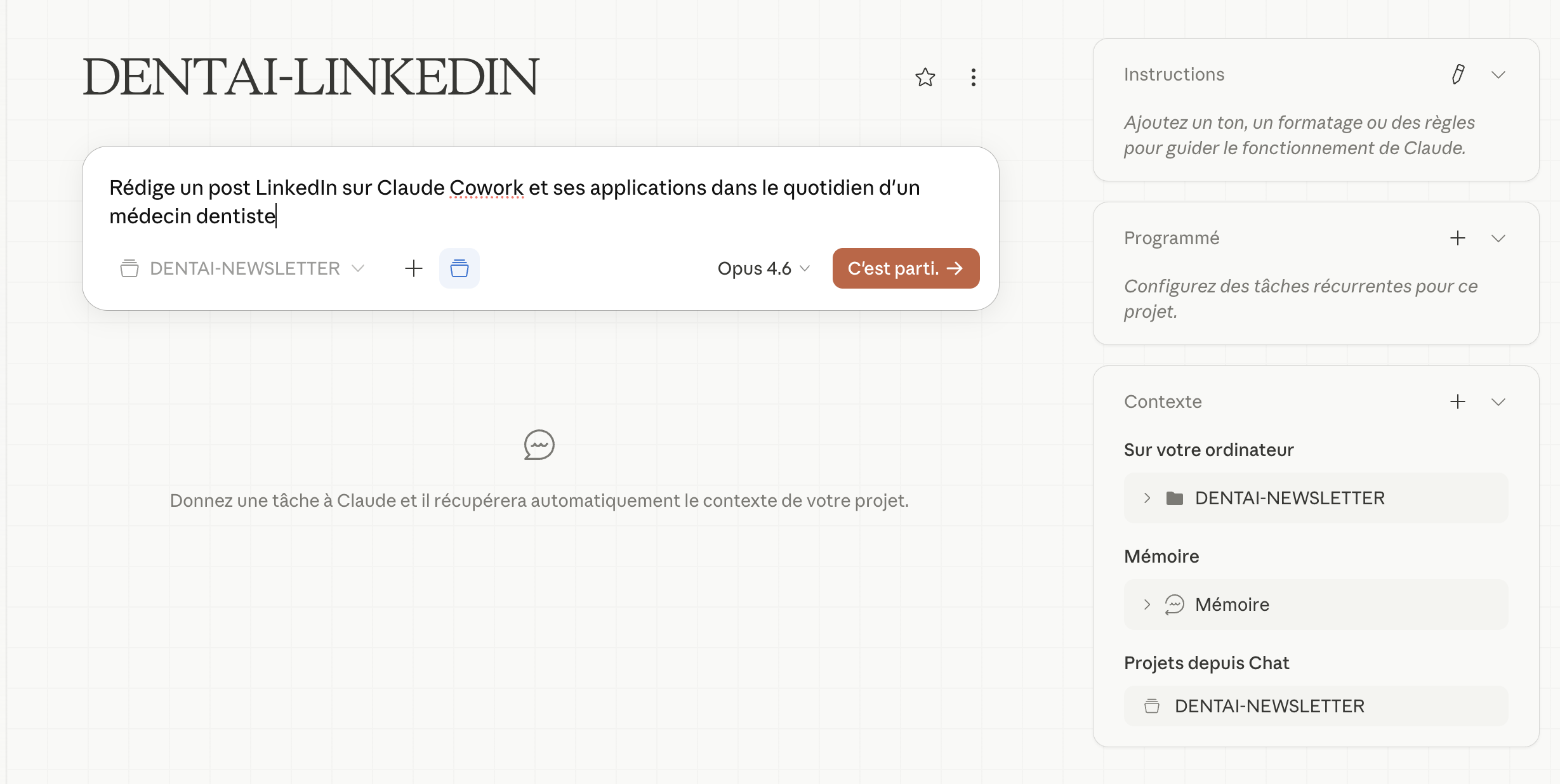
Claude has already read your files. It knows how you write. It knows you always open with tension, not an introduction. It knows you're aiming at decision-makers, not technicians. It applies your rules without you having to ask again.
And the result:
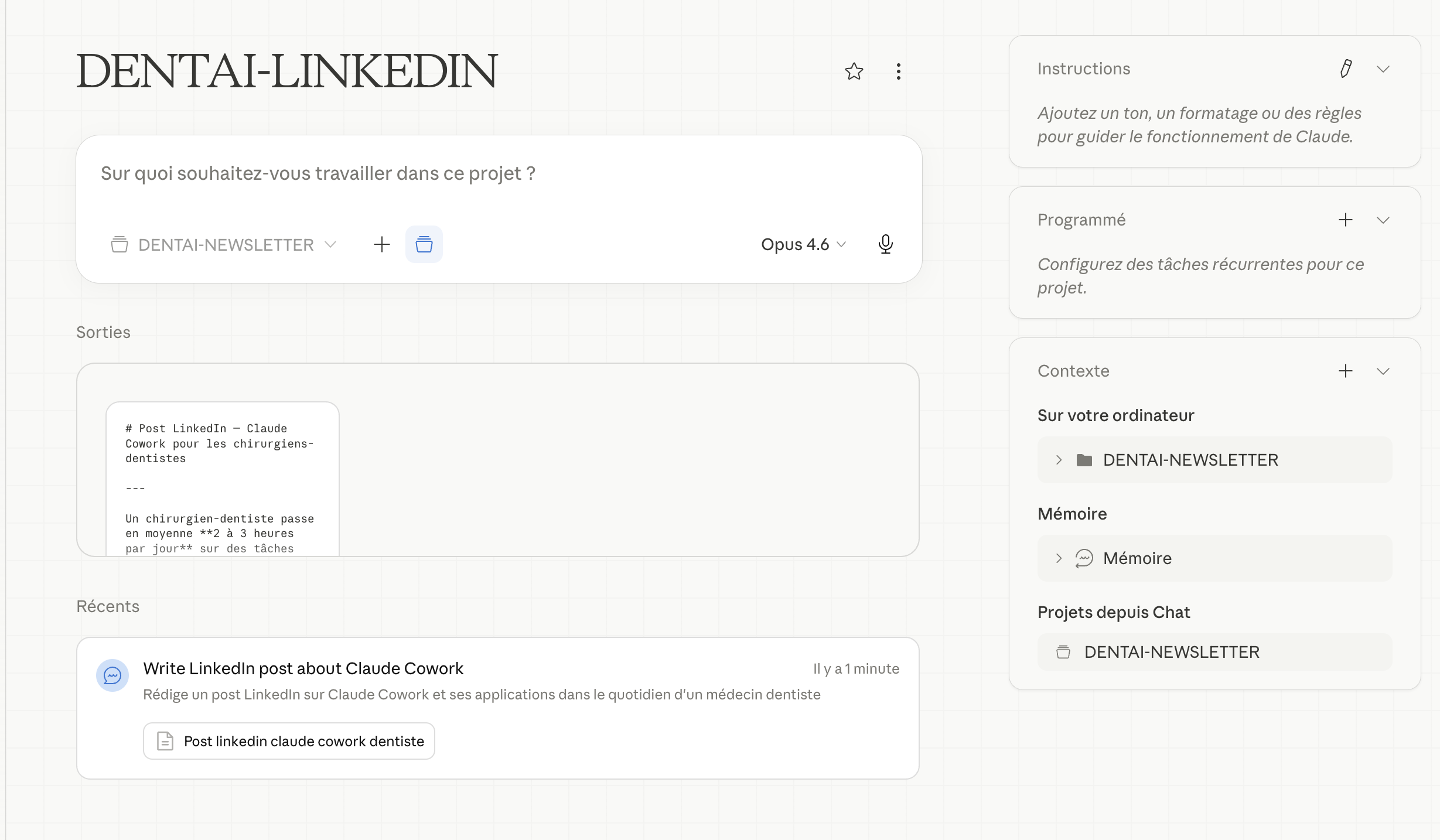
Compare that to what you do today:
a 300-word prompt, a generic result, three iterations to get to something acceptable.
With a well-configured Cowork, you're at 80% from the very first draft.
The files I recommend you create.
Start simple. Three files are enough to get going.
about-me.md: who you are, what you do, your audience, your tone, what Claude must never do when writing for you.
anti-ai-style.md: the AI writing tics you hate. "Of course!" as an opener. Bullet points everywhere. "It's crucial to note that". Condescending turns of phrase. Put in everything that makes you stop reading.
my-context.md: your current projects, your tools, your typical clients. Everything that helps Claude reason in your world, not in a generic one.
These three files do 90% of the work. You update them when something changes. Claude rereads them every session.
Skills: for the tasks you repeat.
If you use Cowork regularly, you'll find yourself repeating the same instructions.
"LinkedIn post under 1,300 characters."
"Always propose a plan before executing."
"Client briefs in three parts."
Skills are saved workflow files, one per recurring task, that you call with a / command in Cowork.
A few concrete examples:
-
/newsletterfor your usual format -
/client-brieffor your sales deliverables -
/linkedin-postwith your favorite hook structure -
/meeting-notesfor your meetings
How do you create your first Skill? Open Cowork and type:
"Create a Skill called linkedin-post. Interview me about the way I write. Build the best workflow to help me create LinkedIn posts in my style. Save it as a Skill I can call with /linkedin-post."
Answer the questions. Claude creates the file and drops it in your folder. Done.
Where to start.
Block out 20 minutes this week.
-
Download the Claude desktop app from claude.ai.
-
Create your Cowork folder with the three subfolders (about-me, claude-output, templates).
-
Write your three context files.
-
In Settings, set up global instructions so Claude always reads about-me first.
The first session will already be better than anything you've done in chatbot mode. The rest comes naturally: you edit a file because Claude did something you didn't like. You create a Skill because you've repeated the same instructions for the fifth time. Your context gets better with every session.
That's what a second brain is. Not a tool you set up once. It's a system that grows with you.
If you have questions, or want to go further, let me know. I might even share my skills.
Talk soon,
Salim, from GenevIA
P.S. for those in Geneva:
I'm thinking about running a Claude Cowork workshop in Geneva. Full setup, context files, first Skill created live. About 90 minutes to 2 hours. For anyone with a computer, whatever their field.
Get The Ergon Brief every week