
I've never used my computer so much without touching it.
How to double your daily steps
This week, I launched tasks on my Mac. I reviewed results. I approved work. I sent back corrections.
All from my phone. While walking outside. Without sitting in front of my screen even once.
And the funniest part? Even when I was in front of my screen… I didn't type a single word. I dictated everything.
It's become such an ingrained habit that when someone sees me working, they don't get what I'm doing. I talk to my computer. I talk to my phone. My hands are free. And the work gets done.
A year ago, I would have found this ridiculous. Today, I can't go back.
(And my average daily step count has never been higher. Coincidence? I don't think so.)
And it's all thanks to two things. One I've been recommending for months. And another that came out just last week and changes absolutely everything.
The first is Wispr Flow. If you read me regularly, you already know it. If not, try it now: it works INCREDIBLY well in French, and it's free to get started:
Stop typing prompts. Start talking.
You think 4x faster than you type. So why are you typing prompts?
Wispr Flow turns your voice into ready-to-paste text inside any AI tool. Speak naturally - include "um"s, tangents, half-finished thoughts - and Flow cleans everything up. You get polished, detailed prompts without touching a keyboard.
Developers use Flow to give coding agents the context they actually need. Researchers use it to describe experiments in full detail. Everyone uses it to stop bottlenecking their AI workflows.
89% of messages sent with zero edits. Millions of users worldwide. Available on Mac, Windows, iPhone, and now Android (free and unlimited on Android during launch).
The second is the real topic of this email. And trust me, it's worth your time.
Claude now works while you're away.
You assign Claude a task. You close your laptop. You go for a walk.
And when you come back, the work is done.
That's not a metaphor. It's what I've been doing for a week.
Anthropic launched two things, and together they're seriously powerful:
Computer Use: Claude can now see your screen, click, open applications, fill in spreadsheets, browse the web. Not through technical integrations. Through the screen and the mouse, exactly as you would.
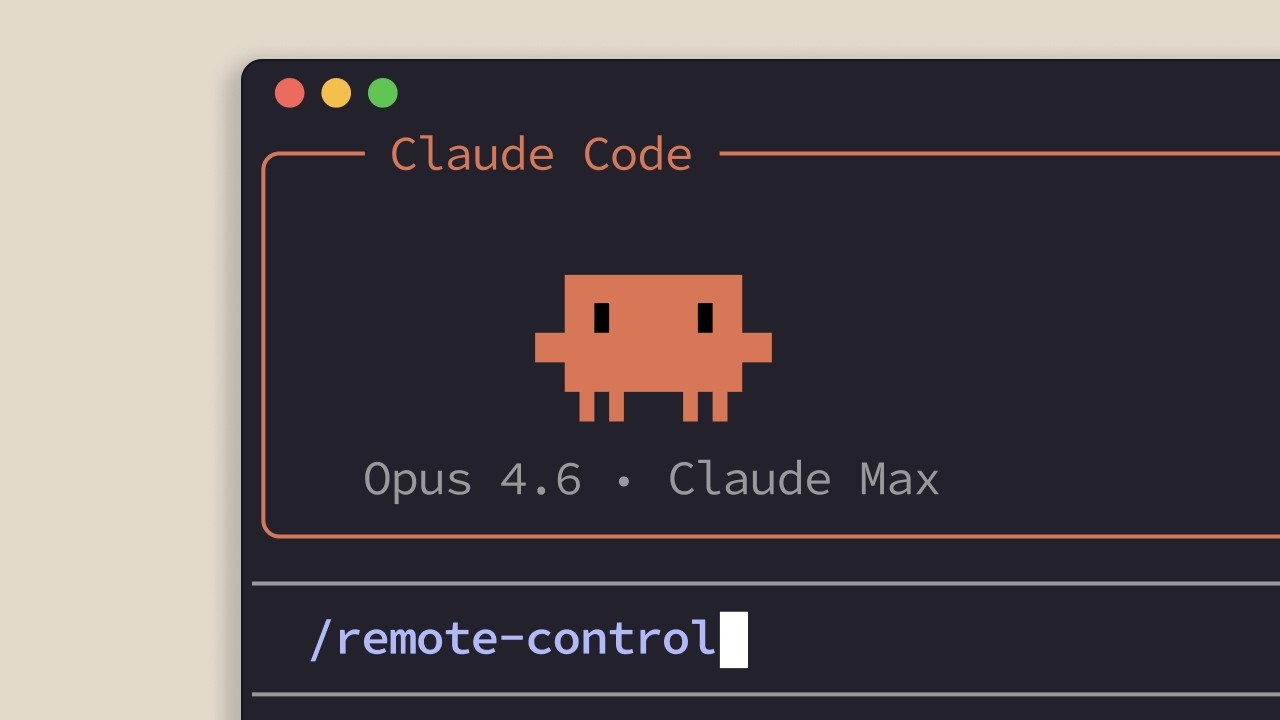
Dispatch: The remote control. From the Claude app on your phone, you send a task to your computer. Claude runs it on your Mac and reports back with the result. It remembers everything: your preferences, your ongoing projects.
How to try it in 5 minutes:
Step 1: Download (or update) Claude Desktop on your Mac and the Claude app on your phone.
Step 2: Open Cowork on your Mac, then click "Dispatch" in the side panel.
Step 3: Allow file access and keep your Mac on.
Step 4: On your phone, open the Claude app, go to Cowork → Dispatch. The connection happens automatically.
Step 5: Send your first task from your phone. Go for a stroll. Come back and check the result.
That's it.
In practice? You're on the tram. You dictate: "Claude, take the Q1 sales file, make me a summary table by region, and put it in my Drive."
Claude does it. On your Mac. While you're on the tram. You get a notification: "Done."
That's it.
If you're in marketing: "Analyze competitor X's last 30 LinkedIn posts and write me a report." You head out for lunch, the report is waiting for you.
If you manage a team: "Summarize this week's decisions from the #projects Slack channel." A clean doc, delivered effortlessly.
If you're a consultant: "Reformat this PowerPoint to match our brand guidelines." You go to your meeting, the presentation is ready when you get back.
We're going from AI as a tool to AI as an autonomous colleague. And honestly? It's liberating.
Where it falls short (in all honesty)
→ Your Mac has to stay on and the Claude app open. No sleep mode.
→ Computer Use is in "research preview". Impressive but not perfect.
→ Pro subscription minimum ($20/month). Dispatch requires the Max plan.
→ macOS only for now. Windows will have to wait.
→ For sensitive tasks, keep an eye on it. It's still early days.
A little personal confession: the first time I watched Claude move my mouse on its own and fill in a document while I followed along from my iPhone as I cooked… I felt a mix of fascination and "OK, this is a little creepy."
But the result was good. Better than what I would have rushed out between two meetings.
This is the future of work taking shape before our eyes. And for once, you can try it yourself instead of just reading articles about it.
Talk soon,
Salim from GenevIA, in Geneva
Get The Ergon Brief every week