
In 2026, not doing video is like not knowing how to write.
5 minutes to catch up.
Imagine it's 1995.
Someone tells you: "I don't know how to send an email, I'd rather use the fax."
You'd have smiled politely. But in your head, you'd have thought: "He's going to have a problem."
Video is the same today.
It's the universal language. The one everyone consumes. The one that convinces, explains, sells.
And if you don't speak it, you're communicating by fax in a world of video.
The problem is, everyone knows this. But very few people actually do it, starting with me.
Why?
Because filming yourself is a whole job. You need a camera. Good lighting. A mic. Editing. And above all, you need to be comfortable in front of the lens!
Let's be honest: most professionals have neither the time, nor the desire, nor the setup for it.
And that's normal.
But what's no longer normal is doing nothing. Because in 2026, AI has removed every one of those obstacles, and I'll show you exactly how below.
Speaking of video that changes everything: Roku, this email's sponsor, put together a fascinating case study: how Jennifer Aniston's brand reached 8.1 million households and grew sales by 40%, purely through video. It's short, it's free, and it's well worth a look! Go read it:
How Jennifer Aniston’s LolaVie brand grew sales 40% with CTV ads
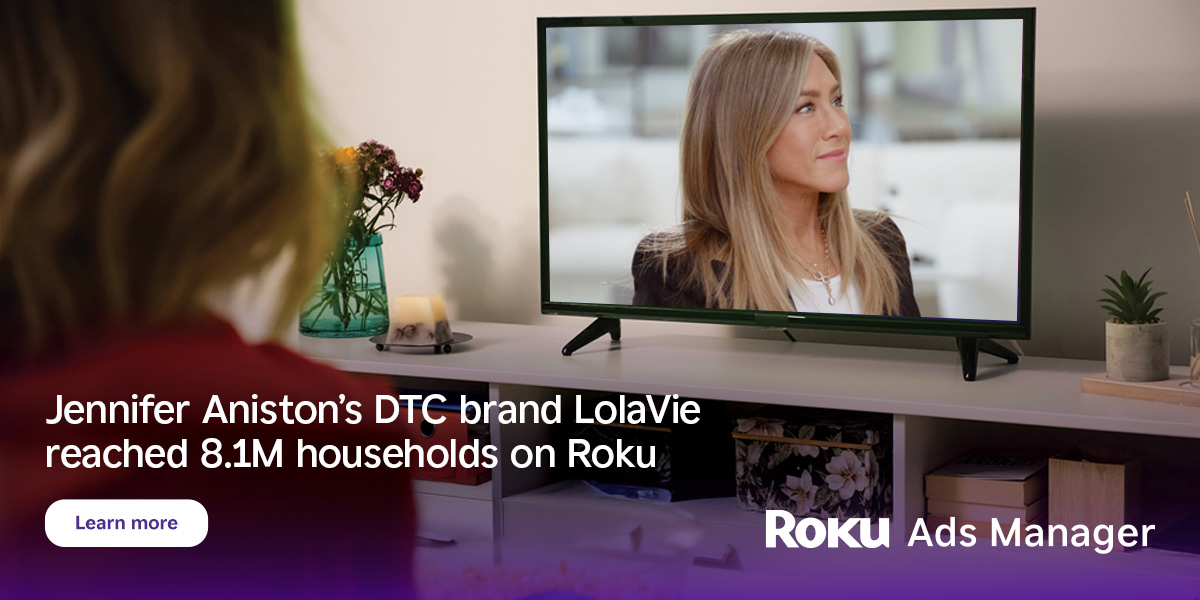
The DTC beauty category is crowded. To break through, Jennifer Aniston’s brand LolaVie, worked with Roku Ads Manager to easily set up, test, and optimize CTV ad creatives. The campaign helped drive a big lift in sales and customer growth, helping LolaVie break through in the crowded beauty category.
Back to you.
There's an AI feature today that 95% of professionals don't use nearly enough.
Turning plain text into a video presented by a realistic avatar.
Not a cartoon avatar. A real human face, with natural expressions, a fluid voice, and perfectly synced lips.
You write. The AI presents it on video.
Mini-tutorial: your first pro video in 5 minutes
Tools worth knowing: HeyGen (the most popular, free version available), Synthesia (ideal for businesses), Tavus (specialized in personalized videos).
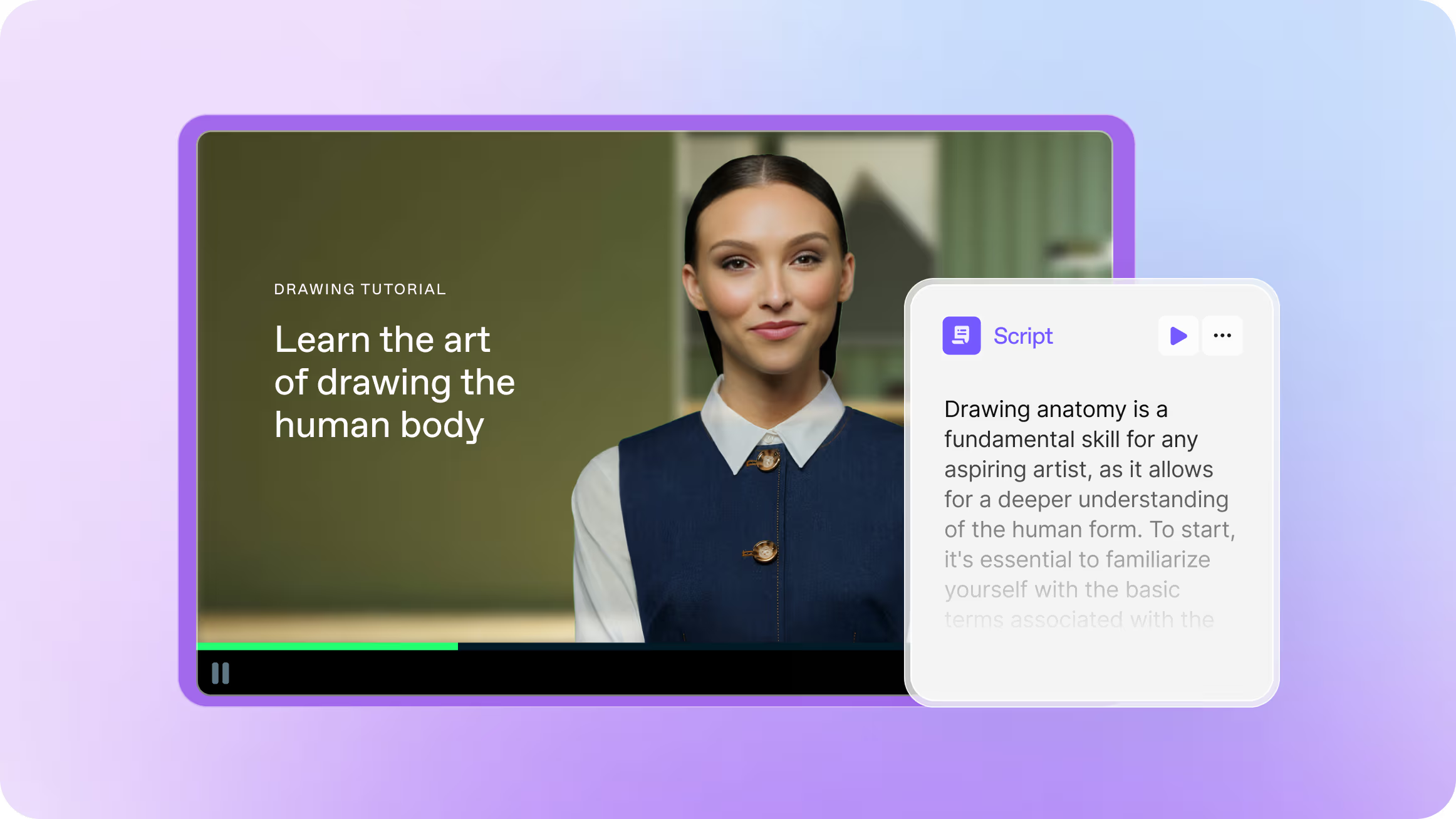
We'll use HeyGen for the example:
Step 1: Choose your avatar Head over to HeyGen.
You have two options: pick from dozens of ready-made avatars, or create a clone of your own face and voice (2 minutes of selfie video is enough).
Step 2: Write your script This is where it gets interesting. You can write it yourself, or ask Claude/ChatGPT to do it for you.
Example prompt to copy and paste:
Here's a text I wrote:

[paste your text, email, or rough notes].

Turn it into a [60-second / 2-minute] video script that will be read by an avatar.

Adapt the style for speaking: short sentences, natural tone, no written jargon. Add a hook in the first 3 seconds and a call to action at the end [if needed].
You already have the idea. You already have the substance. The AI structures your message so it works on video. You're the one talking. The AI just helps you say it well.
Step 3: Customize Choose the language (40+ available), the tone of voice, and the setting. You can even add your logo and slides behind the avatar.
Step 4: Export One click. Two minutes of rendering. You've got a professional video ready to send, publish, or embed.
That's it.
Now, the real question:
what does this actually do for you?
If you're in marketing: create product videos, testimonials, social content. No shoot. No actors. In 12 languages if you want.
If you manage a team: create an onboarding video once. Every new hire gets it automatically. No more repeating the same things.
If you're in sales: send a personalized prospecting video instead of a cold email. The avatar says the prospect's first name. Reply rates go through the roof.
If you're a lawyer or consultant: turn a 20-page document into a 2-minute explainer video for your clients. They'll understand better, faster.
If you run a company: communicate with your teams on video every week, without blocking your calendar for a shoot.
See the idea?
One AI skill. Five professions. Dozens of applications.
Video will no longer be reserved for people who know how to film themselves.
It will be reserved for people who know how to write a good text and have the right ideas to share.
Your challenge this week: take a long email you were about to send, meeting minutes, a draft... Anything. And turn it into a 60-second video with a tool like HeyGen (free version).
And you'll see where things are heading.
Feel free to send me your results!
A little personal confession: the idea of an internet full of AI avatars everywhere doesn't thrill me. The lack of authenticity it can create bothers me (maybe I'm old-fashioned).
But if an avatar lets me get my message to someone who'd rather watch a video than read an email, without my schedule or my shyness in front of a camera getting in the way... then why hold back?
The tool isn't the problem. It's always the intention behind it that matters. What do you think?
Talk soon,
Salim from GenevIA
Get The Ergon Brief every week