
Build your personal website, no coding required
The personal website playbook, step by step
In my last email, I suggested a test: ask an AI "who is [your first and last name]?" and look at the summary it spits out, often stitched together from scattered fragments. The takeaway was to build yourself a personal website, in your name, the only place online you control 100%, so that you become the go-to source on yourself instead of letting Google and AI improvise.
Many of you replied to say the same thing: "I'm sold on the idea, but how do I actually do it?"
So today, we're getting into the details. Step by step. And at each step, I'll explain why we do it this way, not just how.
The idea, in one sentence
There's now a whole family of tools that build a website from a conversation, without writing a single line of code: you describe what you want in a chat, the AI generates the pages, you click a button and it's live.
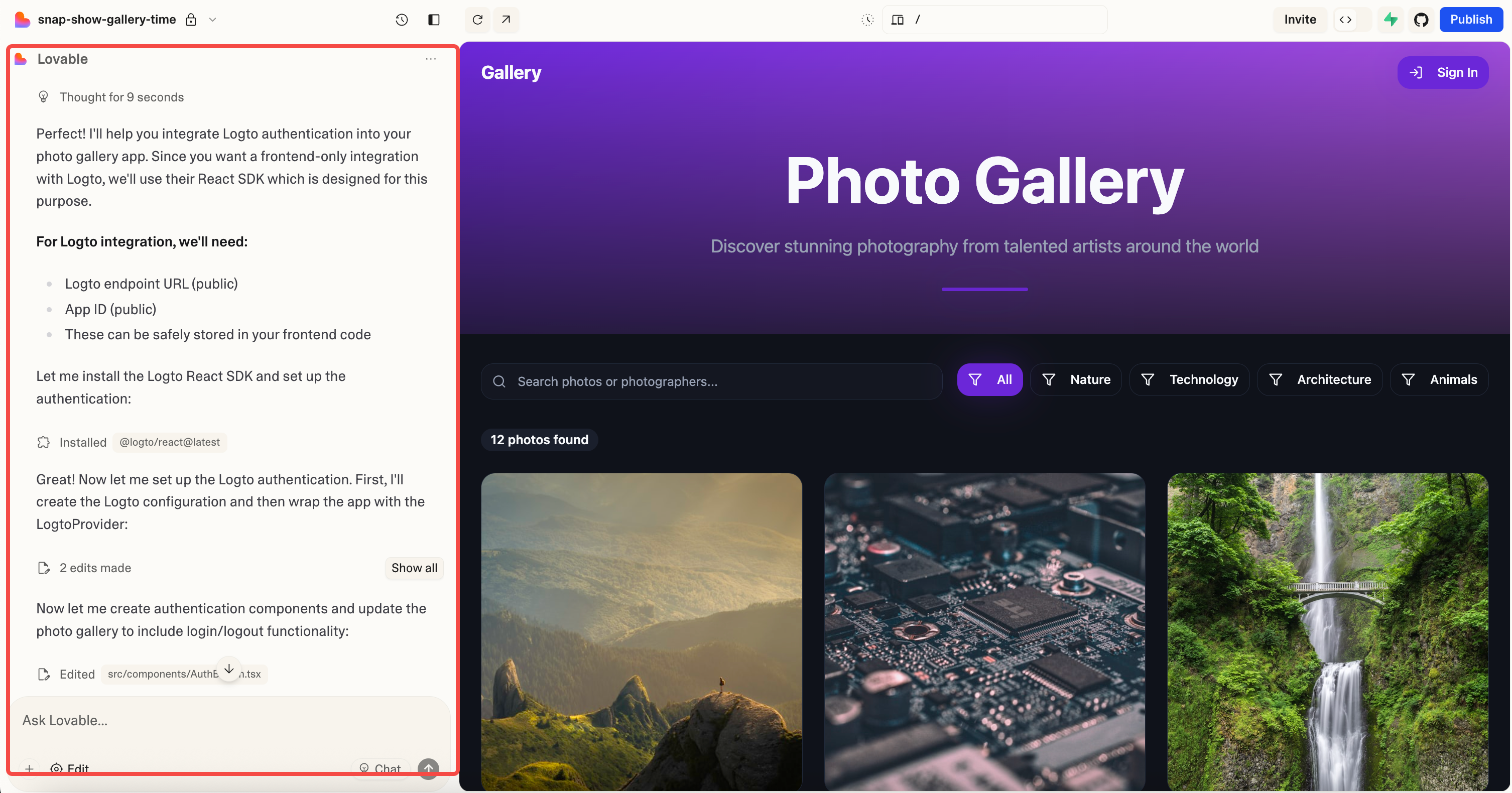
Lovable is the best known, often the first name people mention.
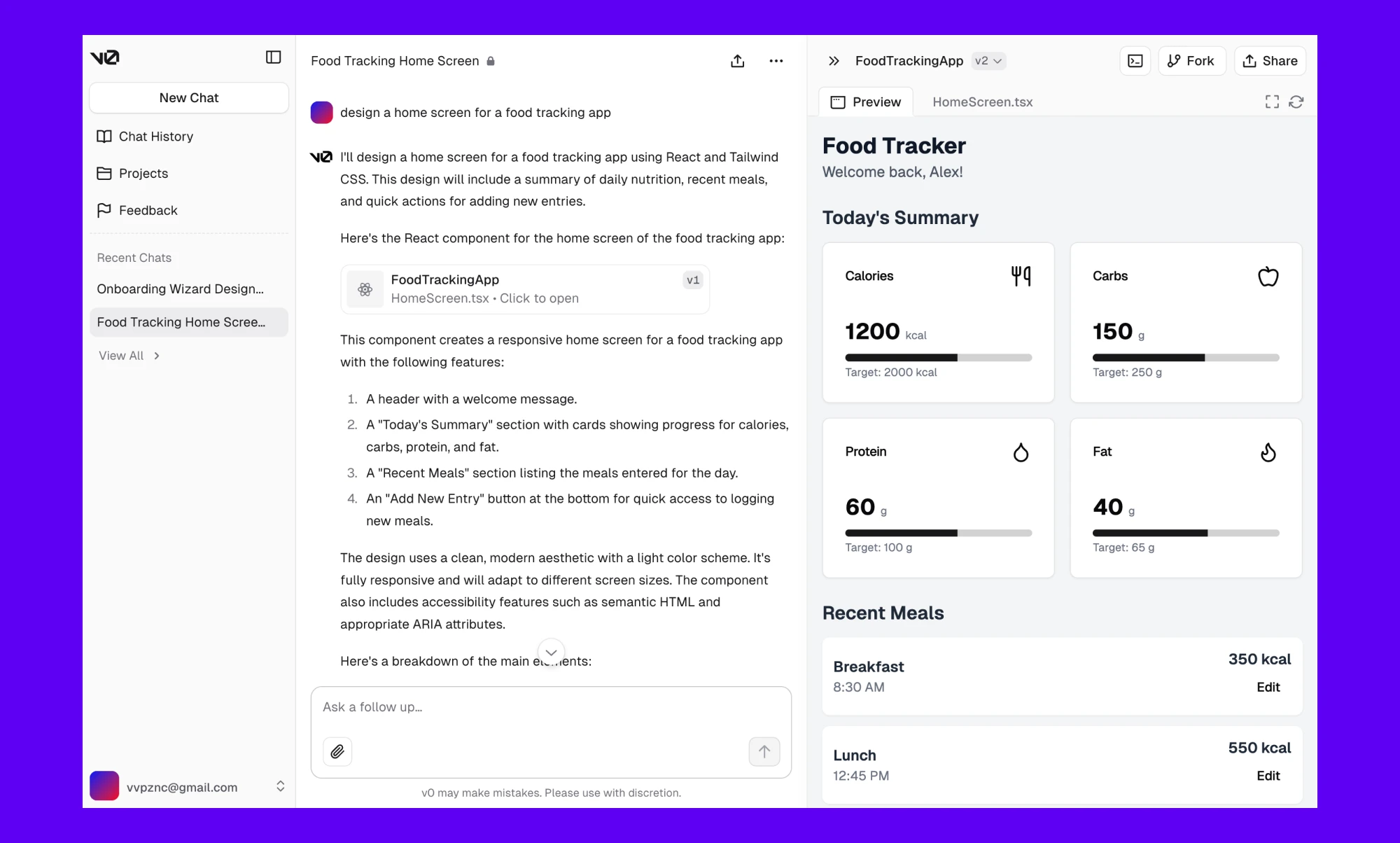
v0, built by Vercel (the company that hosts a good chunk of the web), works on exactly the same principle: a chat, a live preview, a publish button.
There are others (Bolt, notably), but for a personal website, these two are the ones that come up most often.
Why v0, and not Lovable
I tested both before writing to you.
Lovable is an excellent tool, but what you're mostly paying for is the ability to build complex applications (databases, user accounts, payments).
A personal website needs none of that: a few pages, some text, some photos.
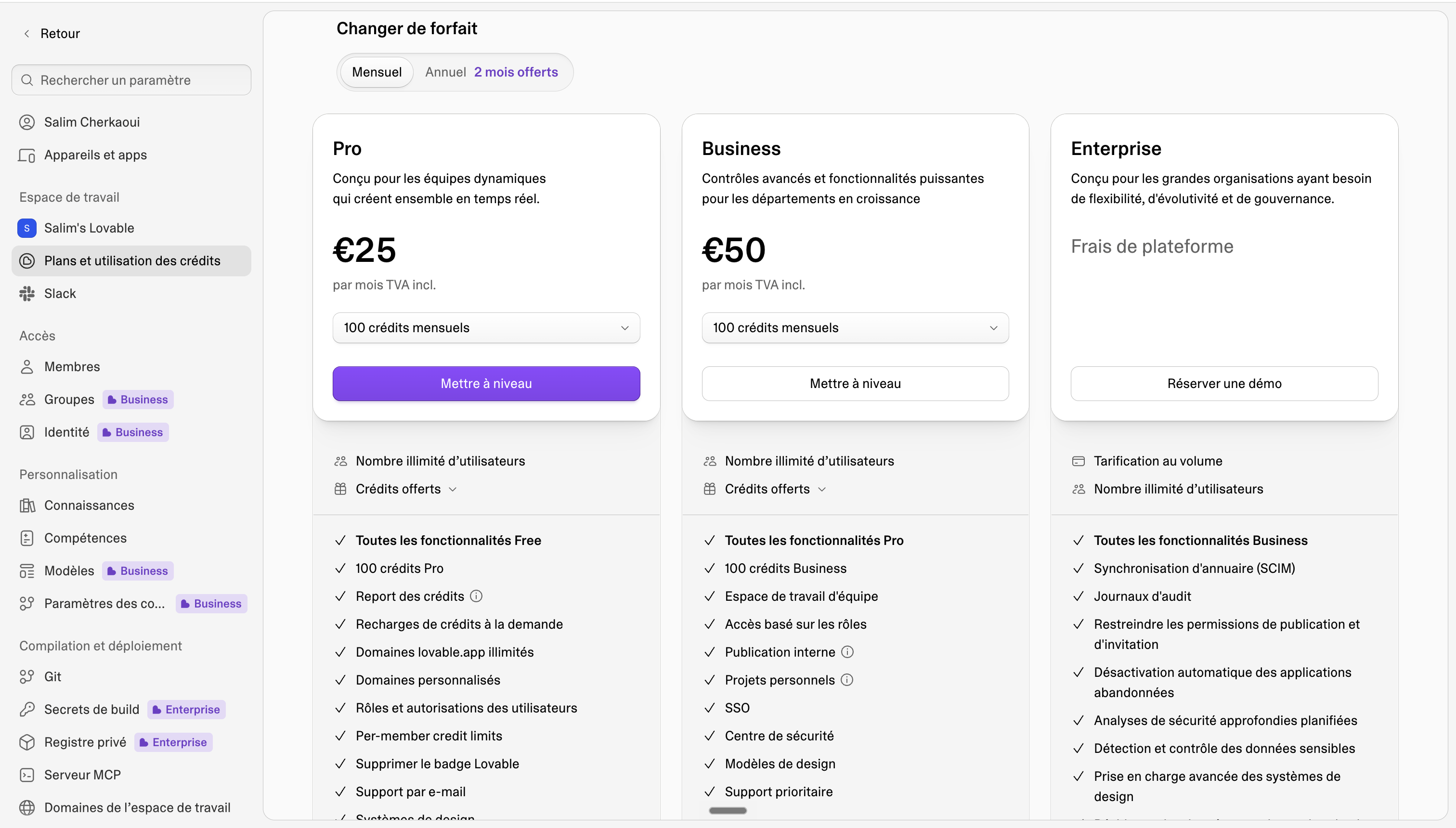
Paying CHF 25 to 30 a month for that means paying for power you'll never use.
v0 (Vercel's AI tool) offers the same comfort: chat on one side, publish button on the other.
My recommendation, if you plan to spend a bit of time polishing the result: take v0's paid plan during this building phase, one month is plenty, then switch back to the free plan once the site is done. Hosting (Vercel) is a separate service from the AI chat subscription, so the site stays online without interruption, and the free plan even leaves you enough to make small tweaks now and then, without changing how the site looks.
With Lovable, the logic is different on that last point: the site technically stays online after you go back to free, but the slightest tweak that republishes the site brings back the "Edit with Lovable" banner on it, unless you stay subscribed to keep it hidden. On a site that's supposed to carry your name, that's not a minor detail.
(For those who want to push the savings even further, all the way down to zero recurring costs, there's a method using Claude Code or Codex plugged directly into Vercel. That'll be a separate email, because it requires being at least a little comfortable with more technical tools.)
Step 1: build it, in your own words
Open v0.app and describe what you want in the chat. A home page, a background page, a point-of-view page.
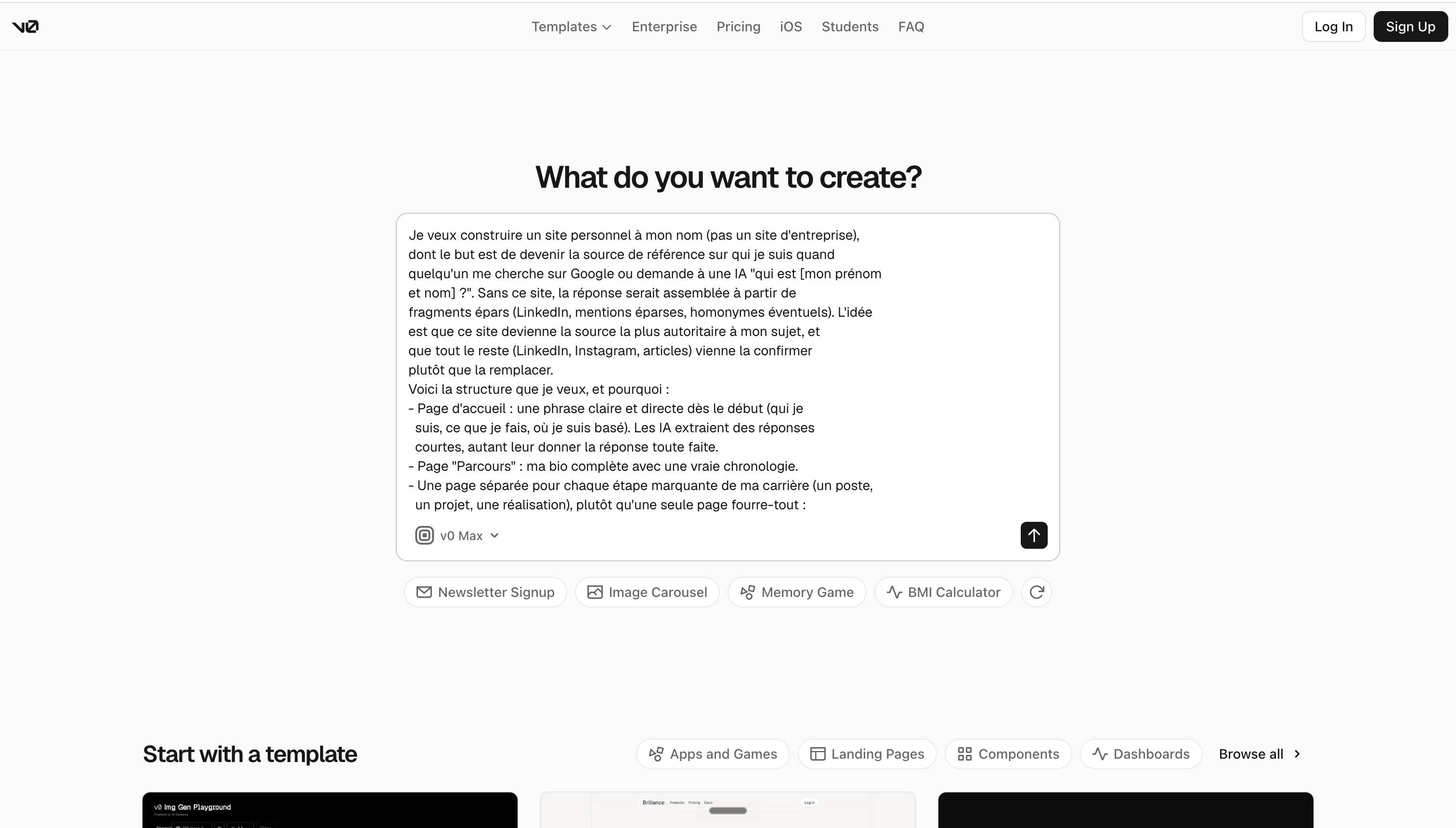
That's the part that matters: the text is you. v0 handles the envelope: the mechanics, the layout, the code. What stays in your hands is the ergon: the words no one else could have written for you.
Example prompt to give it:
I want to build a personal website in my own name (not a company site).
Its goal is to become the reference source on who I am when someone
looks me up on Google or asks an AI "who is [my first and last name]?".
Without this site, the answer would be stitched together from scattered
fragments (LinkedIn, scattered mentions, possible namesakes). The idea
is for this site to become the most authoritative source about me, and
for everything else (LinkedIn, Instagram, articles) to confirm it
rather than replace it.

Here is the structure I want, and why:

- Home page: one clear, direct sentence right at the top (who I am,
  what I do, where I'm based). AIs extract short answers, so give
  them the answer ready-made.
- "Background" page: my full bio with a real timeline.
- A separate page for each key milestone in my career (a role, a
  project, an achievement), rather than a single catch-all page:
  each page becomes a separate, indexable proof of expertise.
- "Point of view" page: what I think about my field, in my own words,
  not generic text any AI could have written.
- "Hobbies" or a more personal about page: to humanize me and set me
  apart from any namesake.
- On every page, add schema.org structured markup of type Person
  (jobTitle, alumniOf, knowsAbout, and above all sameAs pointing to
  my LinkedIn and Instagram profiles), so that search engines and AIs
  confirm my identity instead of guessing it.
- Clean, professional design, focused on the text.

Before building anything, interview me. Ask your questions one at a
time, like a conversation, to gather the real material for each page
(my background, my achievements, my point of view, my hobbies, my
social profiles and my contact details). Don't make anything up on my
behalf: if an answer lacks detail, ask the question differently
instead of filling the gap with generic text. Once you have everything
you need, and only then, build the site.
Step 2: publish it, and why the free address isn't enough
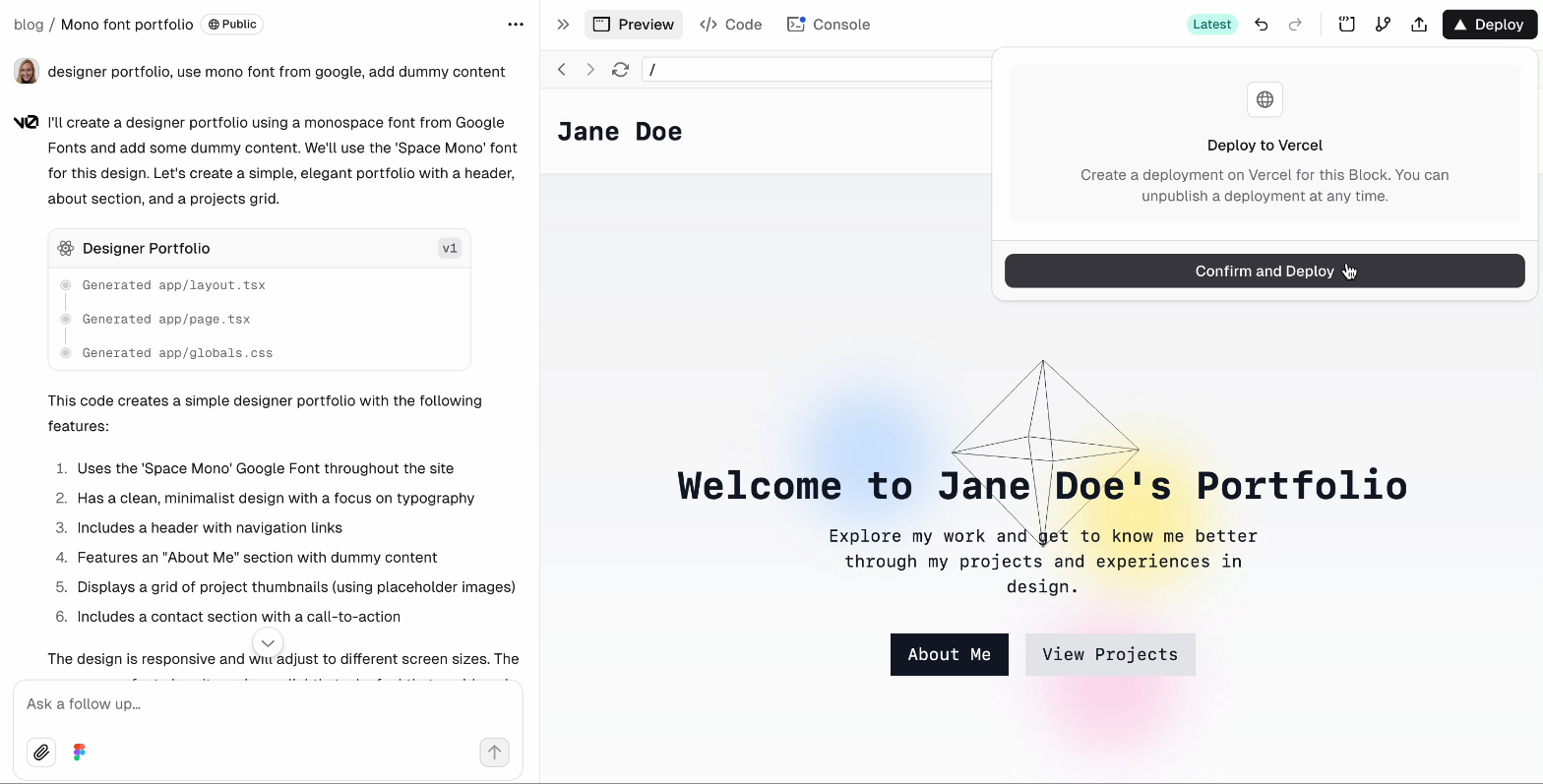
One click on "Publish" and your site is live at an address like yoursite.vercel.app. Technically, you're done. But keep that address for testing, not for showing people.
Here's the reasoning: when Google, or an AI, tries to confirm who you are, it looks for your most "authoritative" address, the one that carries your name without any ambiguity. A generic subdomain (vercel.app, wixsite.com, whatever) says nothing about you. firstname-lastname.com says it all, instantly, to the machine and to the human who clicks on it.
Step 3: connect your own domain
Buy the domain name wherever you like (Infomaniak, Namecheap, OVH, any registrar, it doesn't need to be through Vercel).
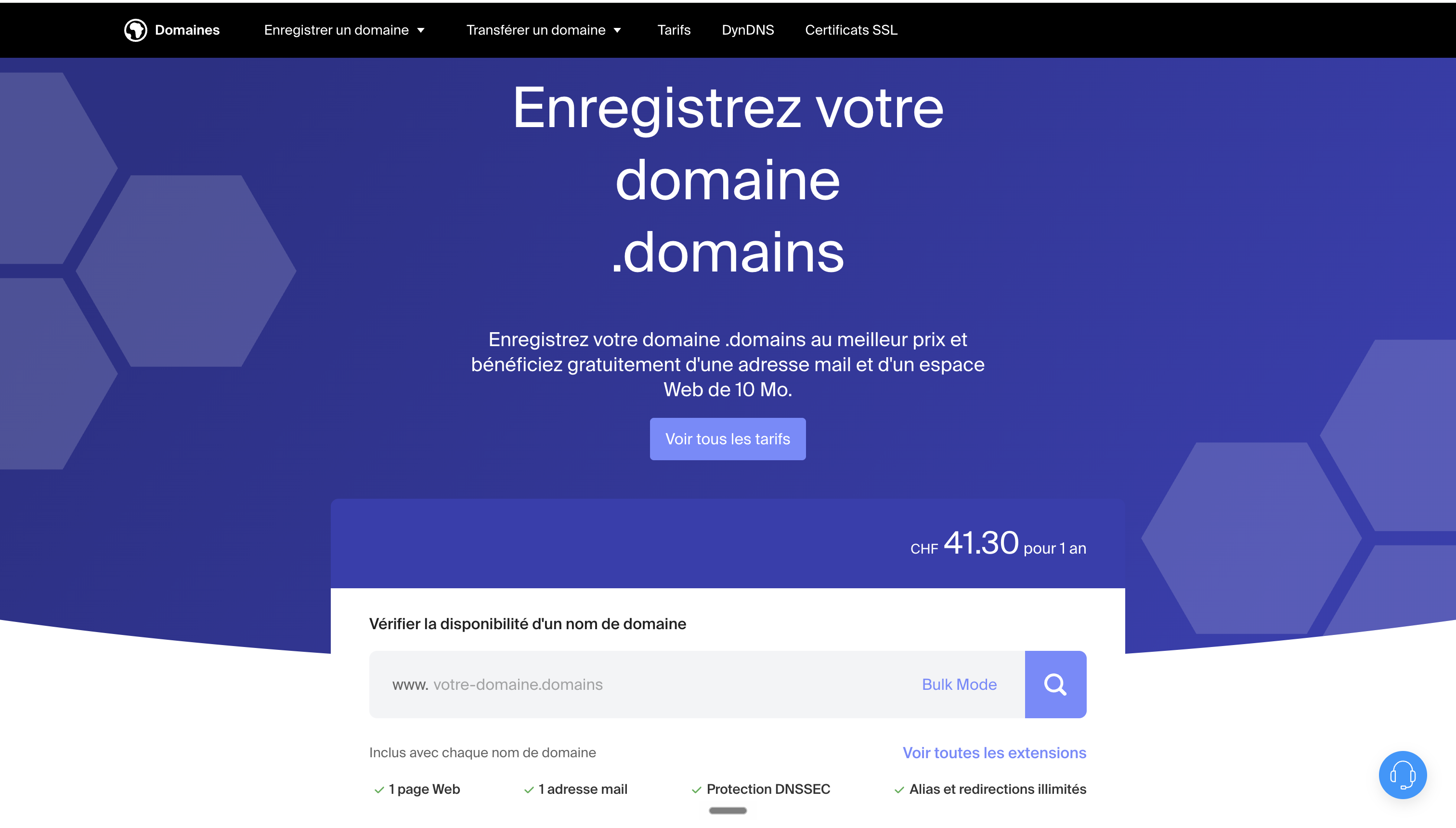
Then, in v0:
Publish → Customize Domain → enter your domain → "Inspect on Vercel".
What happens next is a bit technical, so here's the plain-English explanation before the steps: a domain name, without configuration, doesn't know where your site lives. DNS is the directory that makes that link. You're going to add two lines at your registrar: one that says "for this domain, fetch the content at this fixed Vercel address" (an A record pointing to 76.76.21.21), and another for the "www" version of your domain (a CNAME record pointing to cname.vercel-dns.com). Vercel detects the configuration and sets up the security certificate (HTTPS) automatically, usually within a few minutes.
Once those two lines are added, your personal website becomes the reference address for your name. Done.
SEO, the basics people forget too quickly
Nothing fancy here, just what needs to be done once and then gets forgotten: a unique title and description on every page (with your full name in them), clear section headings, and a sitemap submitted to Google Search Console, for free. It's the bare minimum for Google to know your site exists and index it quickly. That's not where the real battle is anymore, but without this foundation, nothing else works.
GEO, the real topic: how an AI decides who you are
We saw it in the previous email: an AI that can't find a clear reference point improvises from fragments. What makes it stop improvising and cite you correctly comes down to two specific mechanisms.
The first one is called corroboration.
Online reputation specialists (Jason Barnard, among others, who coined the term "Brand SERP") explain it well: Google and AI trust a piece of information when it's repeated identically across several sources. The same name, the same title, the same photo, on your site, your LinkedIn, your Instagram. Every inconsistency is a doubt the machine has to resolve on its own, and it rarely resolves it in your favor.
The second is structured markup (the famous schema.org "Person," invisible to the eye but readable by machines).
In practice, it means explicitly labeling who you are in your page's code: your job (jobTitle), your degrees (alumniOf), your areas of expertise (knowsAbout), and above all the link to your profiles (sameAs, which ties your site to your LinkedIn or Instagram). That last link is what lets an AI confirm your identity instead of guessing it. Just ask v0, in the chat, to add this Person markup to your home page with your information: it's a prompt, not a technical skill.
As for the text itself: put one clear, direct sentence at the top of your home page, something like "I'm [first name last name], I [job], based in [city]." AIs extract short answers rather than whole paragraphs, so you might as well hand them the answer ready-made.
A word about the "llms.txt" file you may hear about: it's a small text file meant to guide AIs through your site. I'd rather be honest: Google has said publicly that it doesn't use it, and no major AI provider has confirmed using it either. It takes an hour to set up, it's not useless as cheap insurance, but it's definitely not the priority. Don't let anyone sell it to you as the miracle solution.
The structure: one page per chapter of your career and life
Here's why a single "about" page isn't enough: each separate page is a separate, indexable proof of expertise, one more chance to be found and cited. In practice, here's what I'd include:
-
Home: the direct sentence that says who you are
-
Background: your full bio, with a real timeline
-
One page per key milestone: a role, a project, an achievement, each with its own page
-
Your point of view on your field: what no AI could ever write for you
-
Hobbies: what makes you human, and helps set you apart from a namesake
Every page linked to the same social profiles, with the same name, the same photo. Consistency, again and again.
Building and publishing is the envelope. What's left for you, the craftsman of your own portrait, are the words, and the consistency with which you repeat them everywhere.
Talk soon,
Salim
The Ergon Brief
Get The Ergon Brief every week